

Remote collaboration refers to work performed by individuals or teams who contribute from different locations via digital communication, shared workspaces, and cloud-based systems. It replaces physical proximity with structured interaction, enabling people to plan, discuss, create, and deliver results without being present in the same office.
It supports distributed hiring, flexible work schedules, and global operations. Organizations adopt it to reduce location-based constraints, widen the talent pool, and maintain business continuity across time zones. It improves access for people with diverse abilities, reduces reliance on co-location, and enables uninterrupted progress through asynchronous workflows.
In this article, we discuss what remote collaboration is, its benefits, strategies to improve it, common challenges, best practices, and real-world examples and tools that enable it.
What is remote collaboration?
Remote collaboration is the practice of teams working together from different locations using digital tools, shared systems, and synchronized workflows to achieve common objectives.
Remote collaboration relies on real-time communication, unified access to information, and coordinated task execution across distributed environments. It centralises project data, promotes transparent updates, and removes location constraints, so teams operate as a single unit regardless of geography.
What are the benefits of remote collaboration?
Remote collaboration improves operational efficiency, strengthens team performance, and expands access to skilled talent by removing geographic, scheduling, and communication barriers.
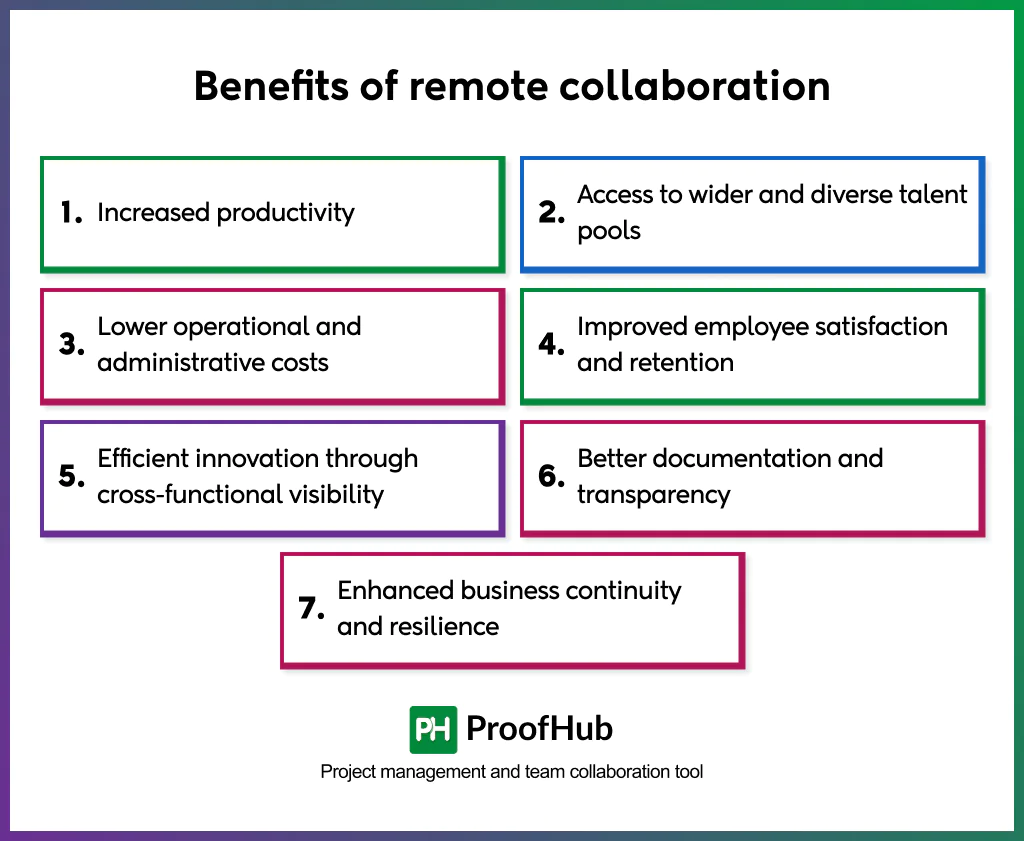
Here are some benefits of remote collaboration:
1. Increased productivity
Effective collaboration in remote teams reduces office noise, long meetings, and physical interruptions. Teams gain longer focus blocks, leading to faster task completion and higher-quality output. Structured digital workflows keep work progressing even when team members operate across different time zones.
2. Access to wider and diverse talent pools
Distributed work removes location constraints, allowing organizations to hire specialists from any region. Broader talent access increases creativity, innovation, and the team’s overall problem-solving capacity. This diversity advantage strengthens both project outcomes and organizational resilience.
3. Lower operational and administrative costs
Remote collaboration reduces expenses associated with real estate, utilities, commuting allowances, and on-site administrative services. Savings can be redirected toward employee development, better tools, or scaling operations.
4. Improved employee satisfaction and retention
Remote work offers schedule autonomy, better work-life balance, and flexibility to manage personal commitments. These elements increase motivation, reduce burnout, and support long-term retention.
According to the bibliometric analysis “Remote Work and Job Satisfaction: A Decade of Insights Through a Bibliometric Lens,” conducted by Slim Belaid, Nour Ben Guedria, and Houssein Ballouk in 2025, remote work over the past decade has been associated with increased job satisfaction globally.
5. Efficient innovation through cross-functional visibility
Teams in different regions bring unique expertise, cultural perspectives, and problem-solving approaches. Collaboration connects these varied viewpoints, making brainstorming more effective. This diversity-driven innovation gives companies a strategic edge.
6. Better documentation and transparency
Remote collaboration depends on written communication, shared project spaces, and structured task tracking. This increases clarity, reduces conflict, and creates a reliable source of truth for all decisions and deliverables.
7. Enhanced business continuity and resilience
Distributed teams prevent operational disruption caused by local events, weather, or infrastructure issues. Work continues even when one region faces downtime.
Strategies to improve remote collaboration
The most effective strategies to enhance remote collaboration focus on trust, information flow, cohesion, alignment, capable leadership, and long-term operational stability.
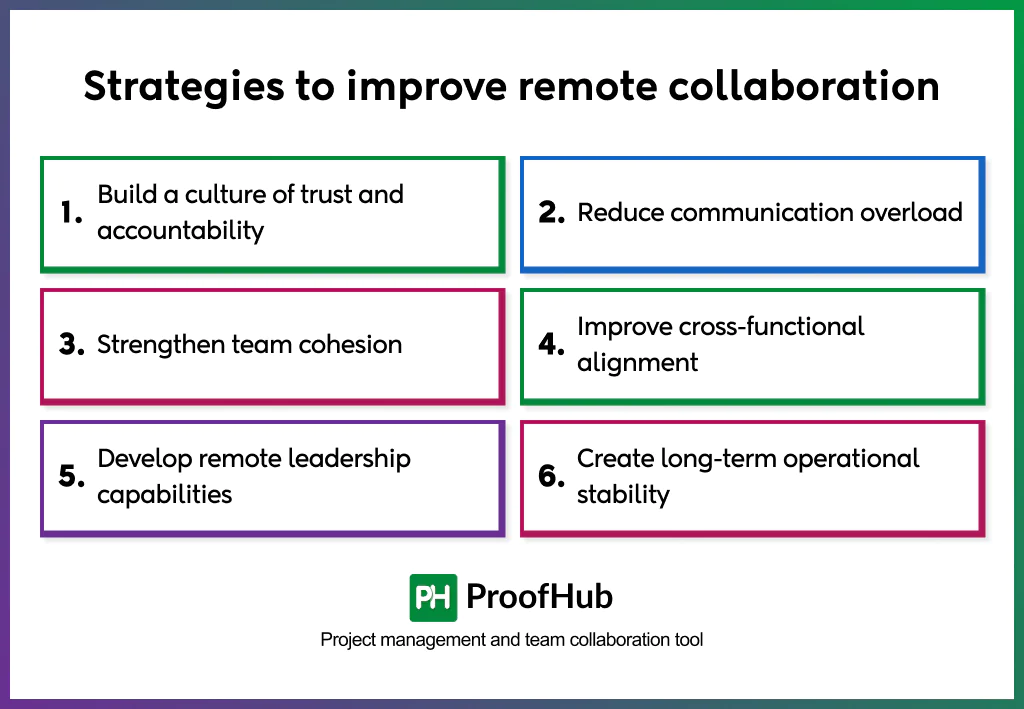
1. Build a culture of trust and accountability
Remote teams work best when trust replaces supervision and accountability replaces micro-management. Leaders shift from tracking hours to tracking outcomes, giving people the autonomy to decide how they work as long as they deliver results.
When teams know they own their tasks, they take initiative, communicate proactively, and solve problems faster, making teams more self-reliant, aligned, and dependable.
2. Reduce communication overload
Too many apps and messaging slow down work rather than accelerate it. Teams improve collaboration when they define communication lanes clearly: what belongs in chat, what moves to email, and what gets documented in a project management tool.
An async-first approach reduces interruptions, respects deep-work time, and ensures information remains accessible even when schedules don’t overlap.
3. Strengthen team cohesion
Remote work sometimes feels isolating without deliberate connection. Teams maintain a sense of belonging by running virtual off-sites, hosting monthly bonding sessions, and building peer-recognition programs that publicly highlight wins.
When team members are seen, supported, and included in the culture, they collaborate more openly and raise issues sooner, before they become blockers.
4. Improve cross-functional alignment
Distributed teams work efficiently when everyone is aligned with shared goals. Create common OKRs, schedule quarterly alignment meetings, and assign ownership for key deliverables to prevent silos and ensure decisions don’t get lost between tasks.
Clear alignment improves prioritization, strengthens execution, and eliminates duplicate effort across teams, resulting in more cohesion, faster decision-making, and far less rework.
5. Develop remote leadership capabilities
Remote collaboration depends heavily on leaders who coach, guide, and resolve conflict without being physically present. Managers strengthen team performance when they develop skills in remote feedback delivery, coaching conversations, and distributed decision-making.
When leaders model transparency and responsiveness, teams naturally mirror the same behavior, creating a remote culture where people communicate openly, stay aligned, and take ownership of their work.
6. Create long-term operational stability
Remote teams scale efficiently when operations remain predictable. Build documentation libraries, standardize workflows, and plan structured handovers across time zones to ensure no work pauses when someone logs off.
This stability increases velocity, reduces dependence on individuals, and enables global teams to operate as a continuous 24-hour work system.
What are the challenges of remote collaboration?
The challenges include communication friction, scheduling conflicts, weakened team connection, uneven visibility, and high dependency on digital discipline.
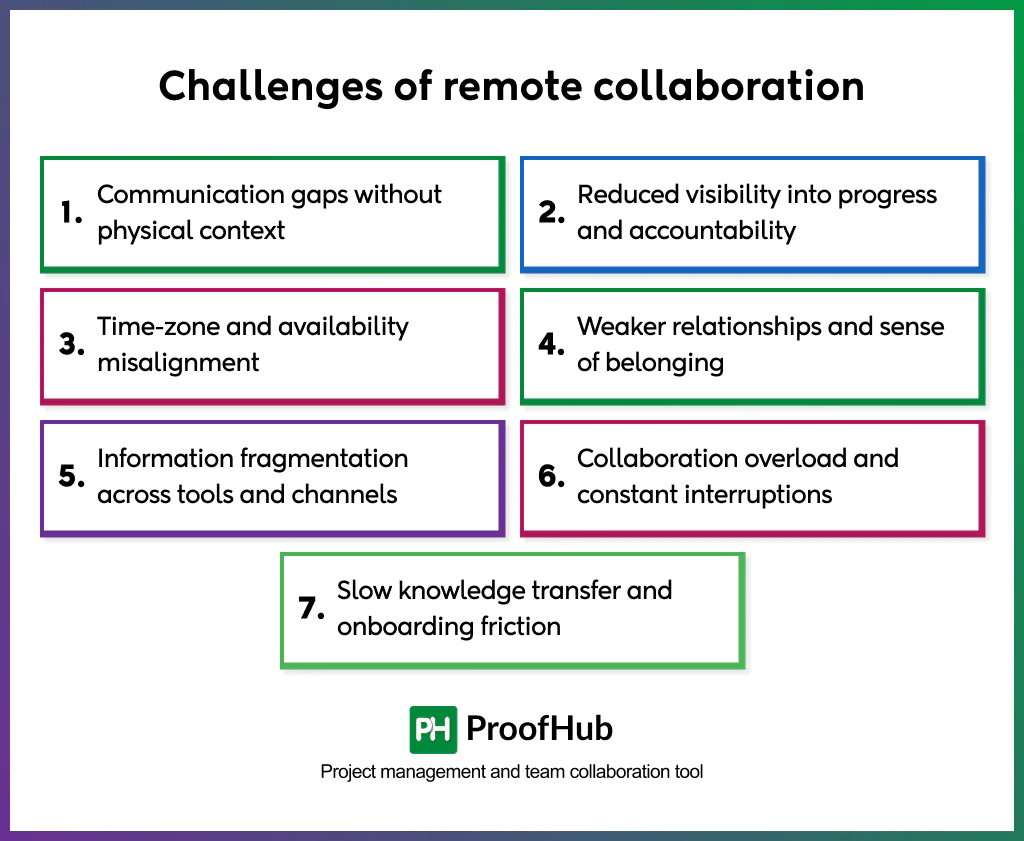
Below are some common challenges of remote collaboration.
- Communication gaps without physical context
Remote messages lack tone, facial expressions, and instant clarification, which makes intent difficult to interpret. A short text can be direct or dismissive depending on the reader, increasing the chance of misunderstanding.
- Reduced visibility into progress and accountability
Remote work removes natural visibility of who’s working on what. Teams rely on dashboards, updates, and documented ownership to track execution. When progress isn’t visible, tasks fall through gaps, performance becomes harder to evaluate, and accountability weakens across roles.
According to a study titled “Knowledge about the impact of telework on management and business: A conceptual study”, conducted by Reyes Gonzalez, Jose Gasco, Juan Llopis, and Susana De Juana-Espinosa in 2025, remote work complicates performance measurement, accountability, and coordination as managers lack direct visibility and teams depend on asynchronous communication and self-management.
- Time-zone and availability misalignment
Distributed teams operate on different schedules, reducing the availability of real-time collaboration windows. Tasks wait longer for approvals or responses, slowing delivery cycles. Without asynchronous workflows and set availability blocks, projects stretch, handoffs fail, and urgency becomes challenging to manage.
- Weaker relationships and a sense of belonging
Distance limits spontaneous interactions such as quick desk chats, lunch conversations, or shared brainstorming sessions. Building trust takes longer, and emotional connection is diminished when collaboration remains transactional.
A study titled “Loneliness and Isolation in the Era of Telework: A Comprehensive Review of Challenges for Organizational Success” by Elisabeth Figueiredo, Clara Margaça, and José Carlos Sánchez-García in 2025 revealed that remote working increases professional isolation, loneliness, and reduced social connection because of a lack of informal, in-person interaction.
- Information fragmentation across tools and channels
Updates, files, decisions, and discussions spread across email, chats, drives, and project boards. Teams lose context, revisit old decisions, and ask the same questions repeatedly. Knowledge becomes siloed, slowing future work and making coordination unnecessarily complex.
- Collaboration overload and constant interruptions
Too many meetings, notifications, pings, and status requests drain attention. Remote teams contribute more to communication than actual execution when collaboration lacks structure. Focus breaks frequently, productivity drops, and burnout increases when availability means “always-on.”
- Slow knowledge transfer and onboarding friction
Remote teams rely on documented processes. When onboarding lacks structured guides, checklists, and reference materials, new members spend weeks piecing together scattered context. They depend heavily on others for answers, which increases interruptions and slows team velocity.
Best practices for remote team collaboration
Best practices for remote collaboration include clear communication, overlapping work hours, strong documentation habits, consistent tool usage, structured meeting etiquette, and healthy boundaries within teams.
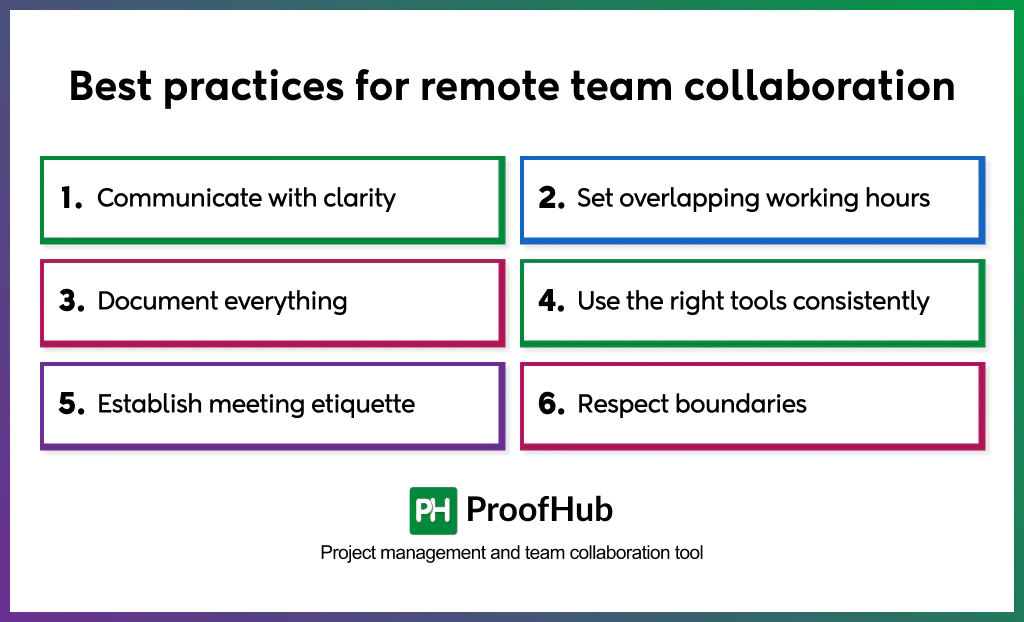
1. Communicate with clarity
Clear communication is the foundation for effective remote execution. When messages are concise and concrete, tasks move forward without follow-up questioning or misinterpretation.
Explain decisions in plain terms, state next steps directly, and remove filler that dilutes meaning. Clarity reduces cognitive load, and remote teams function best when attention is spent on solving work, not interpreting it.
2. Set overlapping working hours
Remote work stretches across time zones, but productivity increases when teams share a small window of real-time availability.
A 2-3 hour overlap creates a daily intersection for quick questions, approvals, and blockers that cannot wait for asynchronous cycles. This overlap doesn’t eliminate flexibility, but simply gives collaboration a dependable touchpoint.
3. Document everything
Documentation replaces office proximity. Without it, knowledge becomes fragmented and inconsistent in chats, inboxes, or memory.
Save meeting minutes, decisions, tasks, and project notes where everyone can retrieve them later. Written records shorten onboarding time, reduce repeated conversations, and prevent misalignment as the project evolves.
4. Use the right tools consistently
Remote teams don’t need more tools; they need consistent use of the right ones. A predictable system reduces search time and removes uncertainty about where work occurs.
A strong collaboration suite typically includes:
- A project management tool for plans, deadlines, Kanban boards, and progress tracking
- A communication platform for asynchronous discussions and quick syncs
- A secure cloud-storage system for files, assets, and documents
- A meeting tool for virtual check-ins and presentations
Define how each tool is used, like where tasks should be updated or where files should be, so team members don’t waste time searching.
5. Establish meeting etiquette
Share agendas early so participants can prepare. Keep cameras optional to conserve bandwidth and energy.
End meetings with decision logs and clear action items (the owner, deadline, and expected output for each task) to convert conversation into progress.
6. Respect boundaries
Healthy remote work is built on autonomy, not availability. Boundaries protect attention, energy, and work-life integration.
Limit after-hours messaging, avoid unnecessary pings, and set response-time norms so no one feels the pressure to be available 24/7. Respecting boundaries builds trust and psychological safety as people know their time is valued.
Examples of remote collaboration
Some examples of remote collaboration include:
1. GitLab – All-remote operating structure with documentation as the core system
GitLab is a DevOps platform company that operates entirely remotely, with no physical headquarters. GitLab treats written documentation as the source of truth. Every process, decision, workflow, and responsibility lies in an open handbook, eliminating information loss.
Teams across multiple time zones contribute asynchronously, share updates, and access decisions without waiting for meetings. Daily work flows through structured documentation, transparent communication, and autonomy-driven accountability.
2. Automattic – Global workforce with asynchronous work, writing-first alignment
Automattic develops products like WordPress.com, WooCommerce, and Tumblr while operating as a globally distributed organization. It collaborates remotely across countries with no centralized headquarters. Employees work flexible schedules, document ideas before discussion, and use written communication instead of default video meetings.
Distributed collaboration remains efficient because knowledge stays recorded, accessible, and retrievable. Teams meet occasionally for strategy alignment, but daily work happens asynchronously through shared platforms and structured documentation.
3. Buffer – Transparency-led remote culture with autonomy and trust as drivers
Buffer operates remote-first with transparency at the centre of collaboration. Information access remains equal, processes stay visible, and outcomes matter more than synchronized availability.
Remote collaboration works because teams set their own work hours, share updates openly, and take responsibility for deliverables rather than waiting for approvals.
4. Hotjar – Remote-first cross-functional collaboration with shared knowledge repositories
Hotjar builds website heatmaps, recordings, and user feedback tools. It operates remotely across product, research, support, and business teams. Work moves forward through shared knowledge repositories, asynchronous project updates, and minimal dependency on real-time discussions.
Teams deliver research findings, product enhancements, and customer feedback using structured documentation, recorded discussions, and time-zone-friendly workflows.
What are the best tools for remote collaboration?
Remote collaboration relies on digital tools such as project management tools, communication apps, visual collaboration platforms, documentation tools, time-tracking software, and integrated collaboration hubs.
Here are the best tools for remote collaboration:
- Project management tools: These tools organize projects, track progress, and centralize responsibilities in one shared workspace. Teams assign tasks, review updates, and maintain visibility across time zones. Examples include ProofHub, Asana, and Trello.
- Communication apps: Effective communication platforms like Slack and Microsoft Teams enable fast, transparent communication and reduce dependency on long meetings. Teams share updates, run discussions, and streamline information flow.
- Visual collaboration and whiteboarding tools: Digital whiteboards such as Miro and FigJam replicate the brainstorming and planning experience for distributed teams. These tools support mapping, sketching, and co-creation in real time.
- Documentation and knowledge-sharing tools: Documentation platforms, including Google Workspace and Notion, store project context, decisions, and processes in one accessible place. Teams co-edit documents, maintain version control, and avoid information silos.
- Time-tracking and productivity tools: Tools such as Toggl Track and Clockify help teams measure effort, maintain accountability, and balance workloads in remote settings.
- Integrated collaboration hubs: All-in-one platforms like ProofHub combine task management, chat, file sharing, approvals, discussions, and reporting. They unify communication, project planning, time tracking, and document management, creating a cohesive environment for daily collaboration among remote teams.
What are the common mistakes to avoid in remote collaboration?
Common mistakes to avoid in remote collaboration include unmanaged expectations, reactive communication habits, lack of workflow structure, and reliance on assumptions rather than documented clarity.
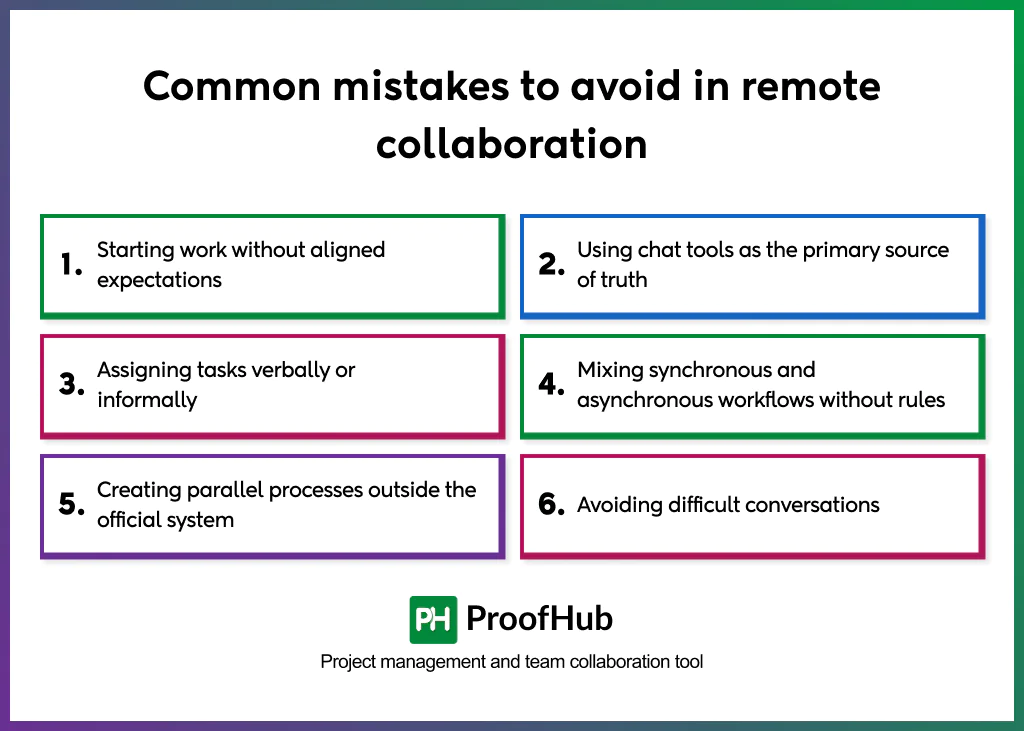
Below are some common mistakes to avoid:
- Starting work without aligned expectations: Beginning a project without defining scope, timelines, and success criteria creates misalignment. Teams lose time correcting preventable misunderstandings.
- Using chat tools as the primary source of truth: Treating instant messages as the main project record causes lost information. Decisions disappear from chat history, making it challenging to track work.
- Assigning tasks verbally or informally: Relying on verbal agreements or ad-hoc messages instead of delegating tasks in a centralized system leads to forgotten work and missed deadlines.
- Mixing synchronous and asynchronous workflows without rules: Responding instantly sometimes and delaying other times creates inconsistency, leading to frustration and misunderstandings.
- Creating parallel processes outside the official system: Saving files locally, tracking tasks in private notes, or creating team-specific workflows causes fragmentation and breaks visibility across the organization.
- Avoiding difficult conversations: Remote environments make avoidance easier. Skipping performance feedback or conflict resolution prolongs issues that impact collaboration quality.
What is the difference between remote collaboration and virtual collaboration?
The main difference between remote collaboration and virtual collaboration lies in where teamwork happens and how the interaction environment is defined.
Remote collaboration occurs across different physical locations. Team members work together while being geographically dispersed, relying on digital tools, shared workspaces, and structured workflows to stay aligned. The emphasis is on location independence, time-zone coordination, and maintaining productivity without physical proximity.
Virtual collaboration occurs within a digital interaction environment. Participants engage through virtual spaces such as video meetings, shared whiteboards, VR rooms, or co-editing platforms where work is performed within a simulated or digital interface. The emphasis is on digital environment immersion rather than physical distance, and it can occur even when participants are in the same building.
How to prevent collaboration overload in remote teams?
To prevent collaboration overload in remote teams, set strict communication boundaries, reduce unnecessary interactions, and create predictable workflows that protect deep work time.
Remote teams avoid overload when communication is intentional, structured, and limited to channels that support clarity rather than constant availability. This reduces the pressure to respond instantly and keeps collaboration aligned with actual work priorities rather than activity volume.
Centralize information and document decisions instead of repeating conversations across tools. A single workspace for tasks, files, and updates removes the need to chase context in multiple places. Predictable meeting rhythms, clear ownership, and asynchronous updates reduce noise, eliminate redundant discussions, and give team members space to focus.
How does leadership maintain trust in remote environments?
Leadership maintains trust in remote environments by creating visibility into decisions, demonstrating consistent communication, and reinforcing accountability through transparent workflows.
Trust forms when team members understand how and why decisions are made, see predictable follow-through, and experience fairness in ownership, expectations, and evaluation. Leaders who document reasoning, share context early, and align actions with stated priorities create a stable environment where distributed teams are confident and informed.
Prioritize reliability, psychological safety, and outcome-based recognition instead of activity monitoring. Remote employees trust leaders who respect autonomy, publicly acknowledge contributions, and communicate expectations without micromanagement.
How does remote collaboration affect employee engagement?
Remote collaboration increases employee engagement when teams gain clarity, autonomy, and consistent connection through structured digital workflows and transparent communication.
Employees stay engaged when they understand priorities, can access shared information easily, and can contribute without location constraints. Clear expectations, flexible schedules, and asynchronous participation give people ownership of their work, which boosts motivation and long-term commitment.
Remote collaboration reduces engagement when teams experience fragmentation, constant interruptions, or isolation.
Missing context, inconsistent updates, and scattered tools break alignment and weaken emotional connection. When meetings dominate the day or communication is unpredictable, employees lose focus and interest.