

Hybrid collaboration is a way of working together where individuals coordinate, communicate, and share files across in-person and remote environments using digital tools, physical workspaces, and intentional collaboration practices. Team members operate under asymmetrical conditions (some co-located, others distributed) and shift between these arrangements based on task requirements, roles, and schedules.
It increases productivity, enables equal participation, strengthens knowledge continuity, reduces dependence on co-location, enhances flexibility without loss of coordination, and supports higher-quality decision-making through shared digital and physical environments and structured collaboration practices.
Collaboration in hybrid work settings functions through five core components: people, policy, place, products, and processes, which collectively define the human, structural, environmental, technological, and operational conditions under which collaboration occurs. These components shape behavior, establish expectations, enable interaction, and ensure collaboration is consistent and scalable across environments.
Hybrid collaboration operates across four distinct modes: working together, together; working alone, together; working together, apart; and working alone, apart. These modes describe how individuals work independently or collectively in co-located and distributed environments
Sustaining effective hybrid collaboration requires strategies that structure communication, workflows, ownership, documentation, meetings, and tool integration. Without these structures, collaboration is constrained by coordination complexity, undocumented decisions, cognitive load, fragmented tool ecosystems, and delayed convergence on complex work.
What is hybrid collaboration?
Hybrid collaboration is a way of working together in which teams or individuals collaborate in both in-person and remote settings, using digital tools and physical workspaces. Some team members work on-site, others remotely, and teams shift between these modes depending on roles, schedules, or tasks.
It enables team members to contribute regardless of their location, reducing dependency on physical presence. Teams combine real-time interactions for alignment and asynchronous work for execution, improving productivity without sacrificing coordination.
It ensures everyone participates, contributes, and stays aligned regardless of location. It utilises both synchronous (occurring in real-time, such as live meetings, real-time discussions) and asynchronous (occurring at different times, such as written updates, documented decisions, task tracking) methods.
What are the advantages of hybrid collaboration?
Hybrid collaboration improves flexibility, productivity, knowledge continuity, participation, decision quality, and transparency. This model also supports better work-life balance, reduces operational costs, and enables organizations to scale collaboration without geographic limits.
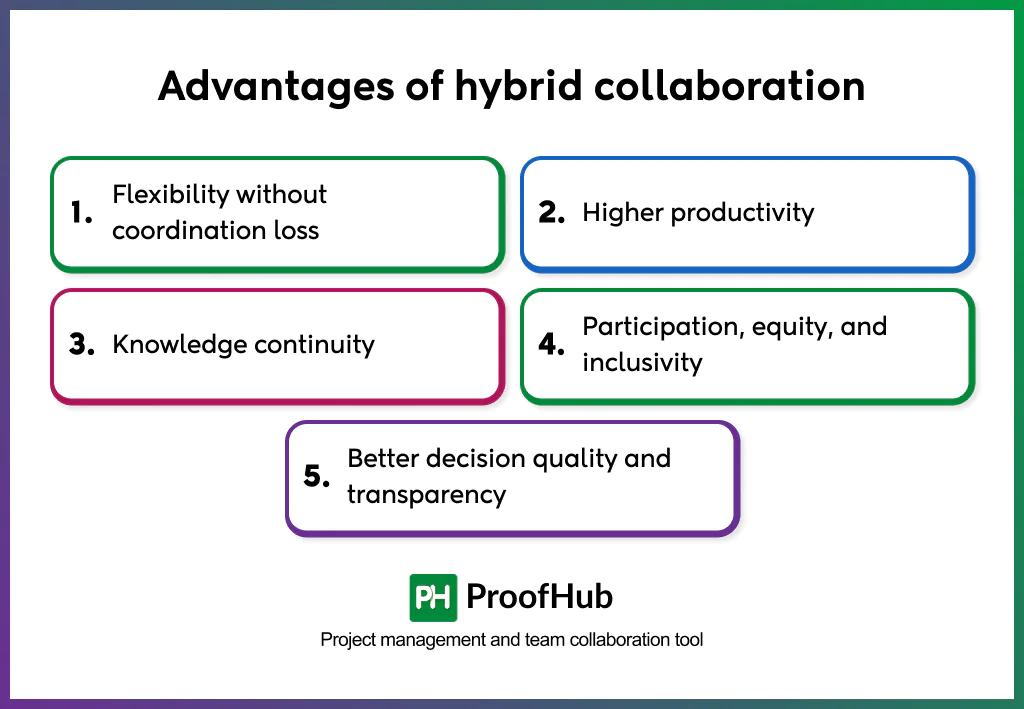
- Flexibility without coordination loss: Participants engage at different times and through different modes while staying aligned. Clear documentation, visible workflows, and shared systems ensure that flexibility in schedules and participation does not fragment work, slow progress, or create misalignment.
- Higher productivity: Increases productivity by shifting work from meeting-dependent coordination to shared artifacts, visible workflows, and clear ownership. Teams progress asynchronously without waiting for real-time availability, reducing delays, handoffs, and context switching. Synchronous collaboration is reserved for decision-critical moments, allowing sustained focus and consistent output without longer working hours.
- Knowledge continuity: Insights remain accessible beyond meetings, time zones, and locations. Structured documentation prevents information loss and ensures work progresses without relying on informal or undocumented exchanges.
- Participation, equity, and inclusivity: Reduces reliance on physical presence and real-time dominance by centring contribution around written inputs, shared documents, and asynchronous feedback. This creates equal opportunities for participation regardless of location, time zone, or communication style, ensuring decisions reflect a broader and more diverse range of perspectives.
- Better decision quality and transparency: Improves decision-making by keeping information, assumptions, inputs, and reasoning visible throughout the process. Access to diverse inputs and documented context reduces reliance on individual judgment or incomplete information, leading to more deliberate, transparent, and easier to explain, justify, and execute decisions.
What are the key components of hybrid collaboration?
The key components of hybrid collaboration include people, policies, places, products, and processes, collectively known as the 5Ps framework. Together, these components define the human, structural, environmental, technological, and operational foundations required to enable effective, equitable, and coordinated collaboration across in-person and remote settings.
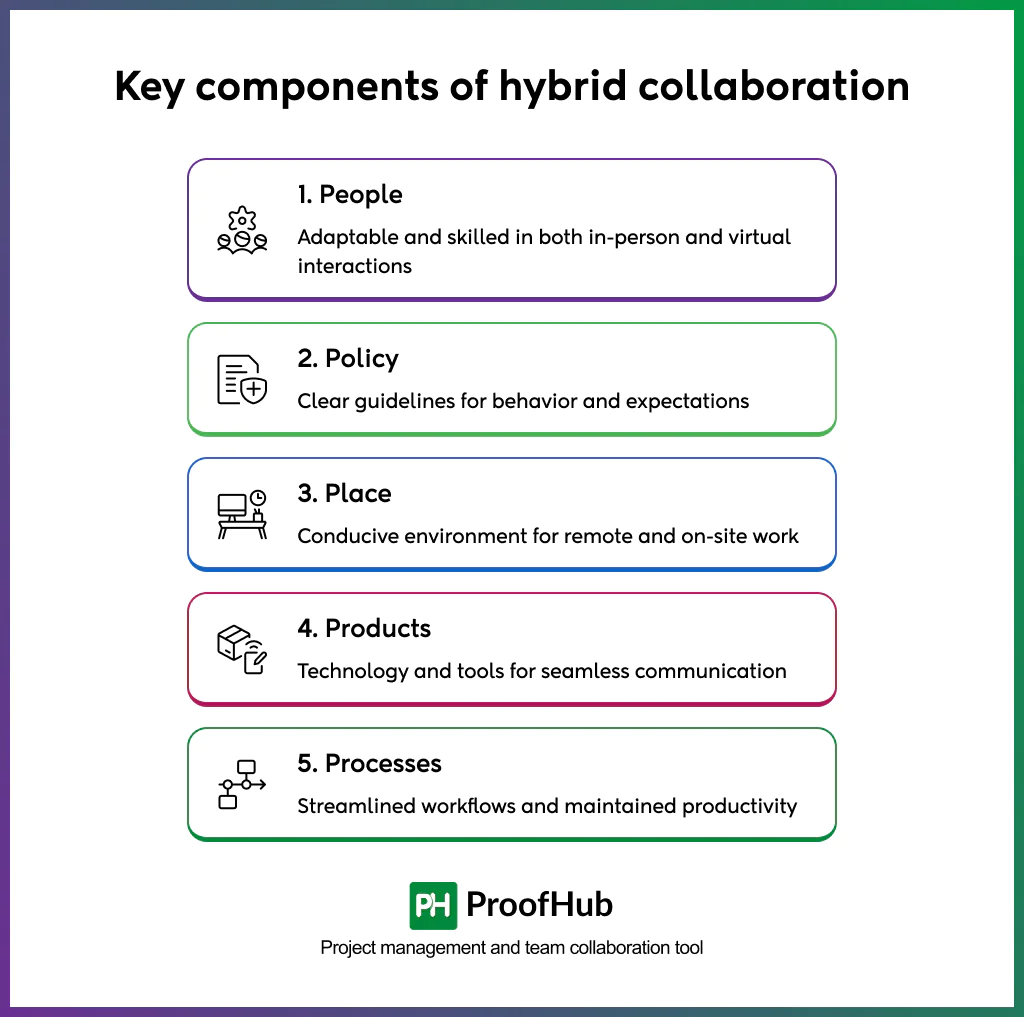
1. People: Skills, behaviors, leadership practices, and collaborative norms that enable how individuals and teams work together in hybrid environments. It focuses on communication, trust, and inclusion, and accountability, ensuring that participants can contribute consistently and effectively regardless of location.
2. Policy: The rules and expectations that govern, including guidelines for participation, availability norms, decision-making authority, and fairness across locations. Clear policies reduce ambiguity, align behavior, and create consistency in how collaboration operates across teams.
3. Place: The physical and virtual environments where collaboration occurs. This covers offices, meeting spaces, and virtual collaboration environments that provide equitable access, visibility, and participation for all contributors. The focus is on creating environments that support effective interaction, not on specific tools or technologies.
4. Products (technology): Digital tools and platforms, including technologies for communication, coordination, and content-sharing that support real-time and asynchronous maintenance of shared visibility into work, and staying connected across locations.
5. Processes: Defines how collaboration is structured and executed over time. This includes how meetings are conducted, how information is documented and shared, how decisions are made, and how work progresses in both synchronous and asynchronous modes. Well-defined processes ensure continuity, alignment, and follow-through.
What are the modes of hybrid collaboration?
Hybrid collaboration has four distinct modes: working together, together; working alone, together; working together, apart; and working alone, apart. They describe how individuals work independently or collectively in co-located and distributed environments, according to Gartner’s “C-Suite: Redesigning Work for a Hybrid Future” study, published in August 2021.
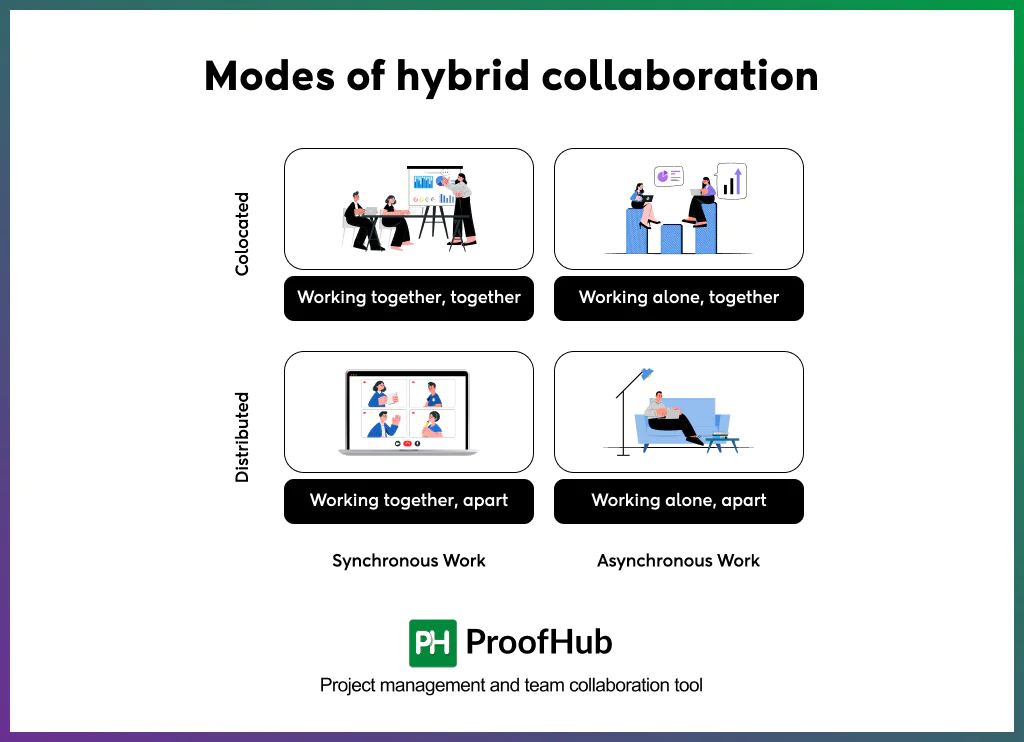
1. Working together, together: Team members are physically co-located and work on the same collaborative task simultaneously. It is used for work that benefits from face-to-face interaction, such as complex problem-solving, brainstorming, or critical decision-making. The shared physical context supports rapid feedback, alignment, and collective understanding.
2. Working alone, together: Individuals work independently while sharing the same physical environment. Although they are not collaborating on the same task, proximity enables informal communication, quick clarification, and social interaction. This model supports focused individual work while strengthening team awareness and cohesion through co-presence.
3. Working together, apart: Team members collaborate synchronously while being physically distributed. Participants work on the same task or engage in the same discussion using virtual collaboration tools. This mode is effective for coordination activities such as progress updates, daily stand-ups, and alignment meetings, where a shared understanding is needed without physical co-location.
4. Working alone, apart: Involves individuals working independently from different locations. It supports deep focus and uninterrupted execution while remaining connected to the team through asynchronous updates, shared documentation, and digital workflows. It is essential for focused, individual contributions.
What are the strategies for effective hybrid collaboration?
Effective hybrid collaboration is achieved through intentional strategies, including digital-first collaboration, clear norms for synchronous and asynchronous work, standardized workflows, defined ownership, documented context, equitable meetings, and workflow-aligned tools that enable teams to operate seamlessly across in-office and remote environments.
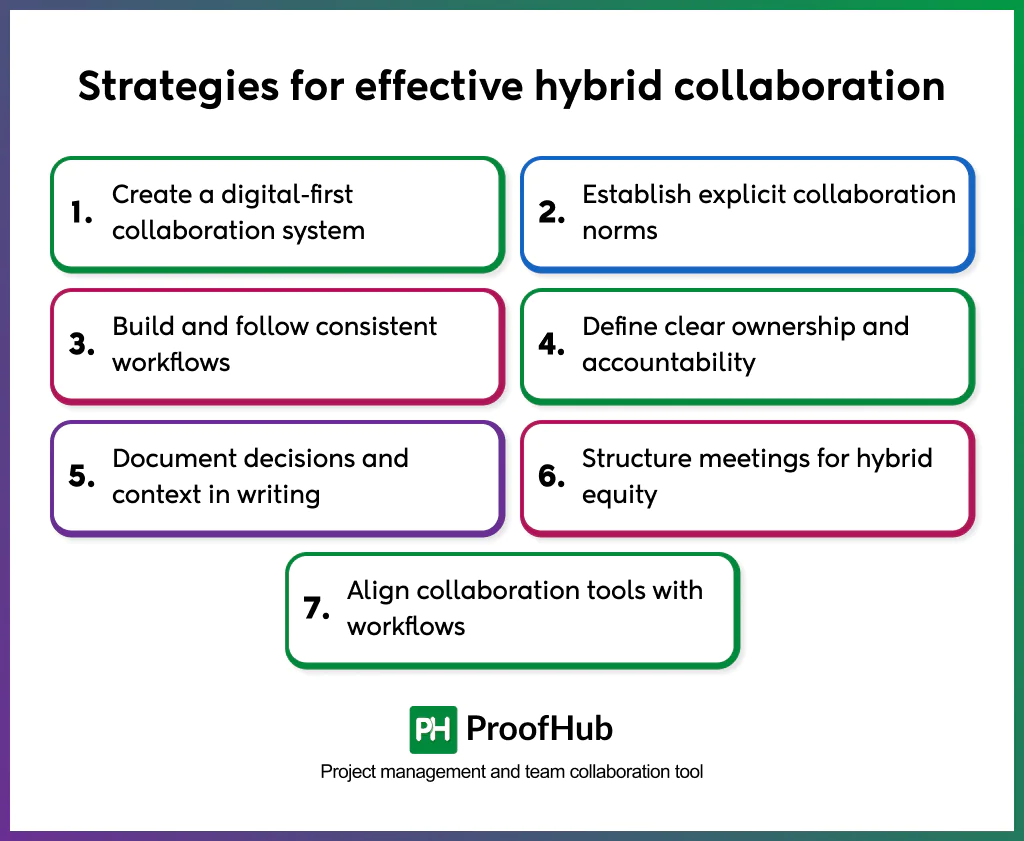
1. Create a digital-first collaboration system
Document all work artifacts, updates, and decisions in shared digital systems rather than physical conversations or individual tools. Make sure digital spaces function as the default environment for work, visibility, and coordination. A digital-first approach ensures equal access to information, preserves context over time, and eliminates the need for in-office presence to maintain awareness or influence.
2. Establish explicit collaboration norms
Define how synchronous and asynchronous communication serve different collaboration needs. Use real-time interaction for alignment, problem-solving, and decisions that require shared context and asynchronous channels for execution updates, feedback, and progress tracking. Clear intent-based usage prevents interruptions, reduces waiting time, and maintains focus across locations.
3. Build and follow consistent workflows
Standardize how work starts, progresses, and completes across teams and locations. Document workflows for task initiation, review, approval, and delivery so work moves through predictable stages. Consistency reduces reliance on informal handoffs, limits ambiguity, and improves execution speed and reliability.
4. Define clear ownership and accountability
Assign explicit ownership to tasks, decisions, and deliverables at every stage of work. Ownership clarifies responsibility, prevents progress from stalling, and ensures accountability does not depend on physical presence.
5. Document decisions and context in writing
Record decisions, rationale, assumptions, and next steps in shared systems immediately after discussions. Written context supports asynchronous participation and prevents repeated clarification when participants change, time zones differ, or work resumes after delays.
6. Structure meetings for hybrid equity
Design meetings to function effectively when participants work from different locations. Use clear agendas, defined facilitation, and structured participation to ensure balanced contribution. Always document outcomes and action items to prevent influence from concentrating on physical presence.
7. Align collaboration tools with workflows
Select and integrate tools based on workflow requirements, not individual preferences. Communication, documentation, and project management tools reinforce visibility, coordination, and continuity. Proper alignment reduces fragmentation, limits context switching, and supports seamless execution across work environments.
What are the challenges of hybrid collaboration?
Hybrid collaboration introduces structural and operational challenges, including increased coordination complexity, undocumented decisions and lost context, higher cognitive load for participants, tool sprawl and reliability constraints, and delayed convergence in complex collaborative work that arise from coordinating collaboration across mixed physical and digital environments.
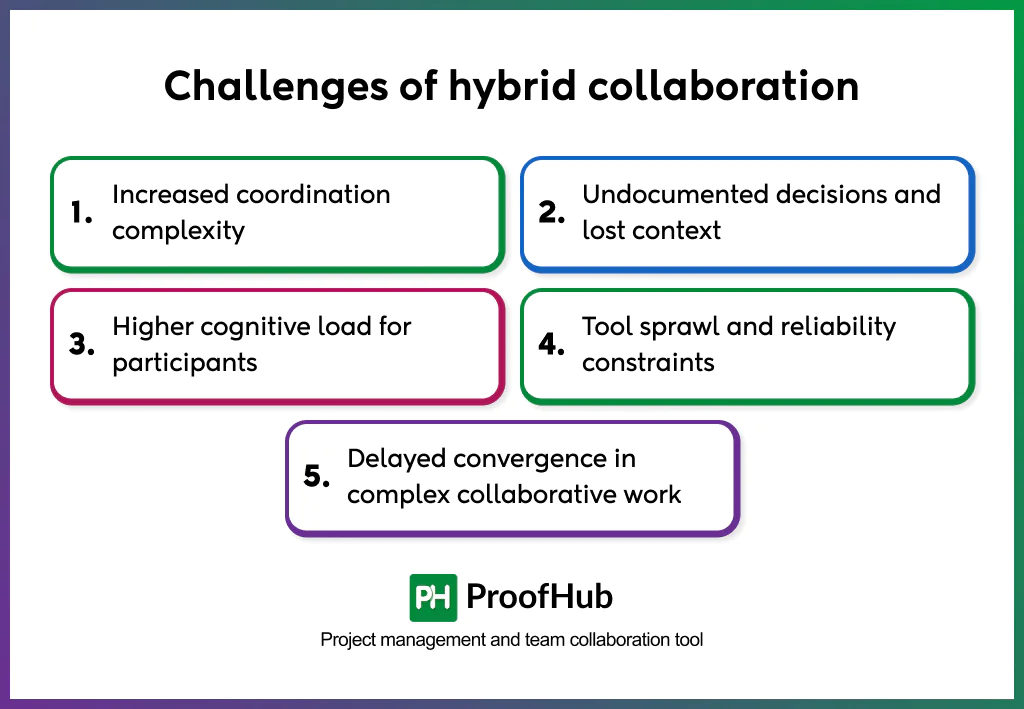
- Increased coordination complexity: Coordinating work across multiple interaction modes, locations, and collaboration spaces requires alignment. Managing schedules, shifting between synchronous and asynchronous activities, and maintaining visibility into progress across participants adds additional complexity compared to single-mode collaboration, increasing the effort required to plan, manage, and sustain collaborative work.
- Undocumented decisions and lost context: When discussions, decision rationales, and outcomes are not consistently recorded in shared spaces, collaboration breaks down. Decisions made during meetings or informal interactions may not be visible to all participants, especially those not present. This leads teams to rely on individual memory, reinterpret past decisions, or repeat conversations, causing delays, misalignment, and rework.
- Higher cognitive load for participants: Managing work across live meetings, chat threads, shared documents, and task systems increases cognitive load. Constant context switching reduces focus, comprehension, and sustained engagement, making collaboration more tiring and less effective over time.
- Tool sprawl and reliability constraints: Operating across multiple collaboration tools creates friction when usage is inconsistent or when systems are poorly integrated. Technical disruptions or poorly integrated platforms interrupt collaboration flow and increase friction for participants.
- Delayed convergence in complex collaborative work: Reaching shared understanding takes longer when collaboration occurs across different locations and interaction rhythms. Variations in response timing, interpretation, and feedback cycles slow convergence, especially for work that requires deep alignment or collective thinking.
Examples of hybrid collaboration
Hybrid collaboration examples show how teams coordinate work, share context, and execute decisions across in-office and remote environments without losing alignment or continuity.
1. Example of a product development team
A product development team works with designers and engineers in the office while QA and product managers operate remotely. Sprint planning is conducted in a hybrid format, with in-person participants and remote members joining synchronously. Design decisions, technical constraints, and sprint outcomes are documented in shared tools. Ongoing reviews and status updates happen asynchronously, allowing work to progress across time zones, preventing delays, and ensuring consistent execution.
2. Example of a cross-functional project
A cross-functional team collaborates on a feature launch with marketing and leadership based in the office, and engineering and customer support working remotely. Strategic discussions occur in hybrid meetings with equal digital access. Decisions, dependencies, and timelines are recorded in shared workspaces, enabling teams to coordinate execution without relying on informal, location-based communication.
3. Example in a client-facing operation
A consulting team supports clients through a combination of on-site workshops and remote collaboration. On-site sessions establish shared understanding and trust, while follow-up analysis, documentation, and coordination occur asynchronously. Insights, decisions, and deliverables are recorded in shared systems, allowing contributors across locations to collaborate effectively without impacting timelines or quality.
What are the best practices to follow for hybrid collaboration?
Collaboration in hybrid environments works consistently when organizations reinforce best practices such as reducing location-based silos, promoting psychological safety across locations, reinforcing clear expectations and norms, embedding collaboration into daily work habits, and supporting adoption through enablement and guidance across in-office and remote environments.
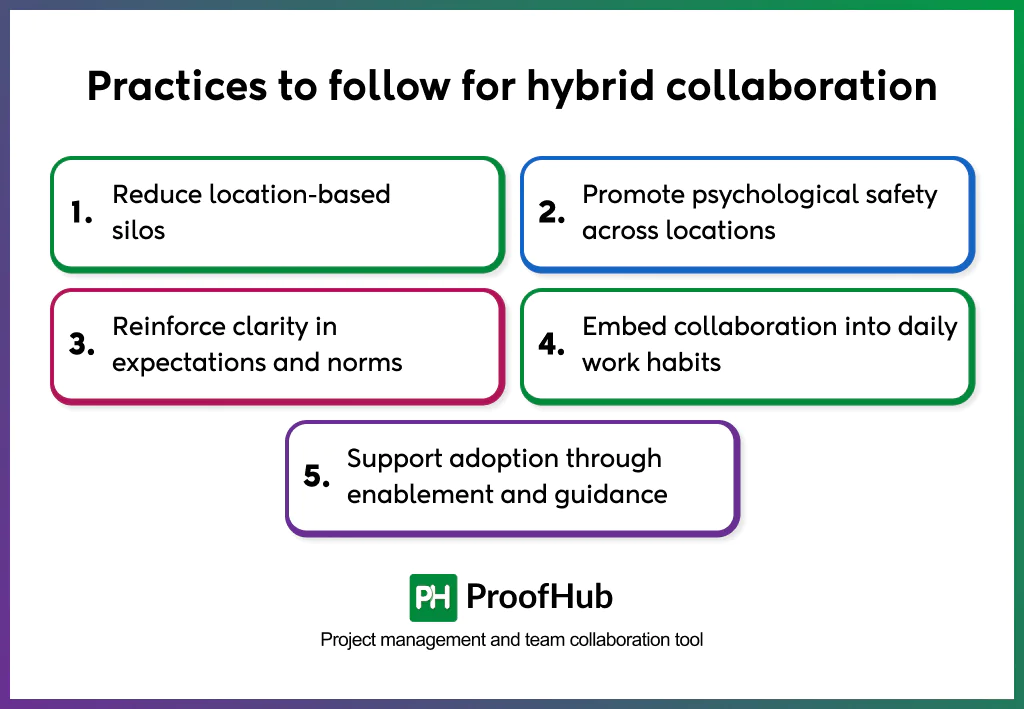
- Reduce location-based silos: Design work around shared goals rather than physical proximity. Encourage interaction across locations and maintain open visibility into work, progress, and decisions. This prevents information from clustering around specific offices or individuals.
- Promote psychological safety across locations: Create an environment where contributors feel safe sharing ideas, raising concerns, and challenging assumptions, regardless of where they work. Psychological safety ensures that remote contributors participate early rather than after decisions have already been made.
- Reinforce clarity in expectations and norms: Set clear expectations for availability, responsiveness, participation, and follow-through across hybrid teams. Consistent norms reduce friction, prevent misunderstandings, and help teams collaborate smoothly across different working arrangements.
- Embed collaboration into daily work habits: Integrate collaboration into execution rather than treating it as a separate activity. Collect input during work, share progress visibly, and identify blockers early so collaboration supports momentum rather than interrupts it.
- Support adoption through enablement and guidance: Provide onboarding, clear guidance, and concrete examples that show how hybrid collaboration works in practice. Enablement reduces hesitation, improves consistency, and increases long-term adoption.
What are the best tools for hybrid collaboration?
Hybrid collaboration relies on digital tools such as communication platforms, document and content collaboration tools, knowledge and information management systems, project and work management tools, and visual collaborative workspaces that enable teams to coordinate work, communicate clearly, and maintain shared visibility across in-office and remote environments.
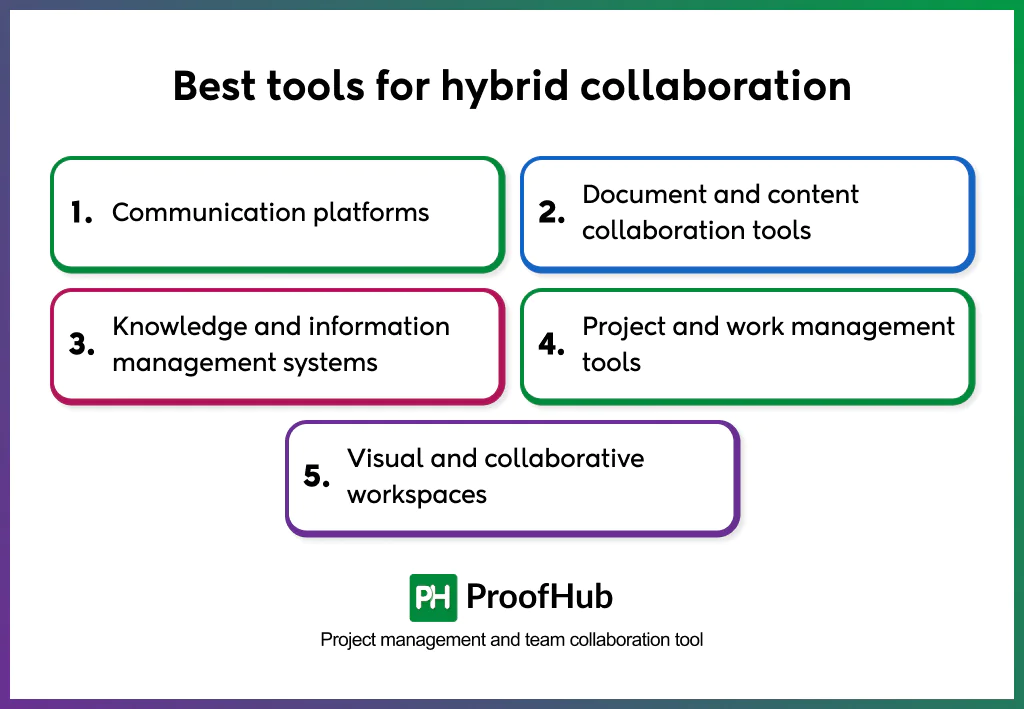
5 common types of tools that support hybrid collaboration:
- Communication platforms: Support real-time and asynchronous communication, including discussions, quick alignment, status updates, and virtual meetings without requiring physical presence, helping maintain shared awareness and reduce delays caused by location gaps. Examples: Slack, Microsoft Teams, Zoom.
- Document and content collaboration tools: Allow teams to create, edit, review, and collaborate on documents in shared spaces. Version history and access control ensure that context remains visible to all participants. Examples: Google Docs, Microsoft Word.
- Knowledge and information management systems: Store and organize validated information, decisions, and reference material in centralized repositories, reducing information loss and ensuring teams can access consistent context regardless of time or location. Examples: Document360, Confluence.
- Project and work management tools: Connect collaboration with execution by linking discussions, files, approvals, and updates directly to tasks and workflows. They provide visibility into ownership, progress, and dependencies across hybrid teams. Examples: ProofHub, Trello, ClickUp.
- Visual and collaborative workspaces: Support shared thinking and planning through digital whiteboards, diagrams, and annotations, enabling real-time and remote participation in brainstorming and problem-solving sessions. Examples: Miro, FigJam.
How is hybrid collaboration different from remote collaboration?
Hybrid collaboration and remote collaboration differ in structure, coordination complexity, and access dynamics. While remote collaboration operates under uniform location constraints, hybrid collaboration combines co-located and distributed participants within the same workflow or team. Some people work from the office while others join remotely. This setup introduces asymmetry in visibility, participation, and informal access that doesn’t exist in fully remote collaboration.
| Aspect | Hybrid collaboration | Remote collaboration |
| Definition | A structured way of collaborating where some participants work in-office and others work remotely within the same team or workflow | A collaboration model where all participants work remotely without shared physical presence |
| Goal | Balance in-person connection with remote focus while maintaining equal access and alignment | Enable collaboration entirely through digital channels without physical dependency |
| Interaction type | Mixed interaction combining in-person, virtual, synchronous, and asynchronous collaboration | Fully digital interaction, primarily synchronous and asynchronous online |
| Activities | Hybrid meetings, shared documentation, asynchronous updates, in-office discussions with digital capture | Virtual meetings, chat-based coordination, shared documents, asynchronous execution |
| Outcome | Coordinated execution across locations with managed access, visibility, and influence | Consistent execution under uniform remote conditions with equal participation by default |
What skills are important for effective hybrid collaboration?
Effective hybrid collaboration depends on skills such as clear written communication, sharing context and articulation, facilitation and awareness of inclusion, self-management and accountability, and active listening and responsiveness. They enable individuals to coordinate, communicate, and contribute consistently across mixed in-office and remote environments.
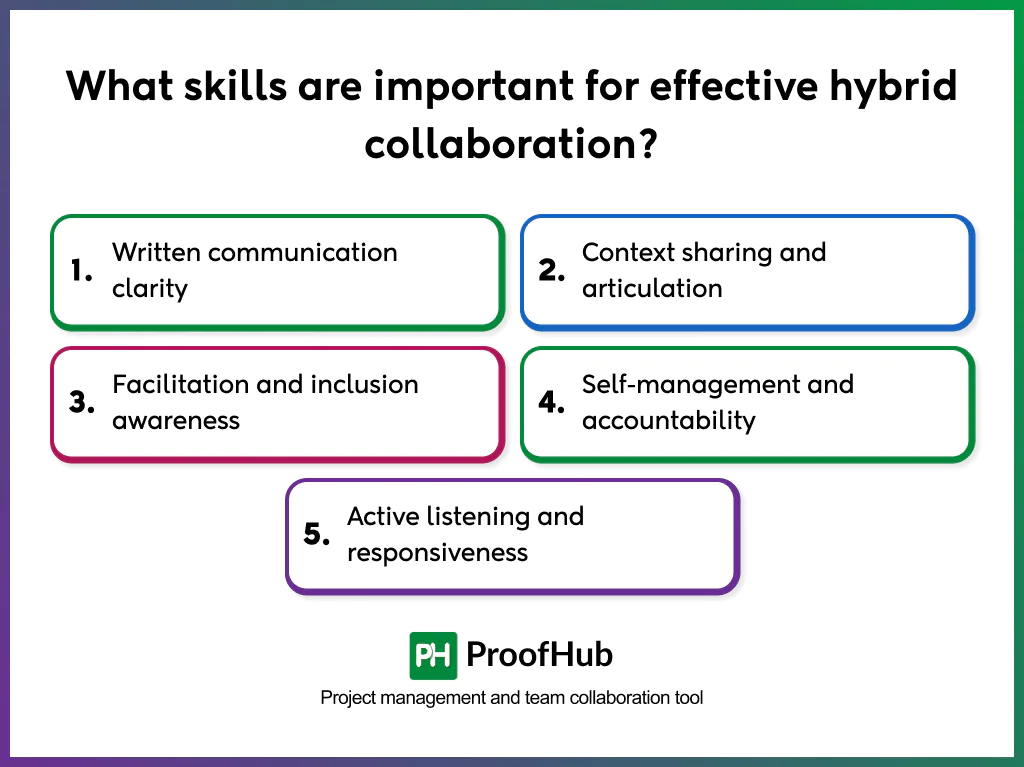
- Written communication clarity: Clear, concise writing ensures updates, decisions, and expectations are understandable without real-time explanation. Strong written communication preserves context, reduces the need for follow-up questions, and enables effective asynchronous coordination.
- Context sharing and articulation: The ability to explain background, intent, constraints, and dependencies prevents remote participants from operating with partial information. Context sharing reduces assumptions, improves alignment, and keeps teams aligned.
- Facilitation and inclusion awareness: Effective facilitation ensures balanced participation in hybrid settings. Inclusion awareness prevents dominance by physically present participants and maintains equitable contribution.
- Self-management and accountability: Hybrid environments require disciplined task ownership, follow-through, and time management. Strong self-management reduces dependency on constant supervision and keeps work moving even when teams are not working synchronously.
- Active listening and responsiveness: Attentive listening and timely responses reduce misinterpretation and delays. Responsiveness maintains trust and momentum across time zones and schedules.
What are the common mistakes organizations make with hybrid collaboration?
Hybrid collaboration fails when organizations make common mistakes, such as allowing decisions to form offline, over-relying on meetings for coordination, ignoring participation imbalances between in-person and remote contributors, and lacking clear collaboration norms and expectations across distributed teams.
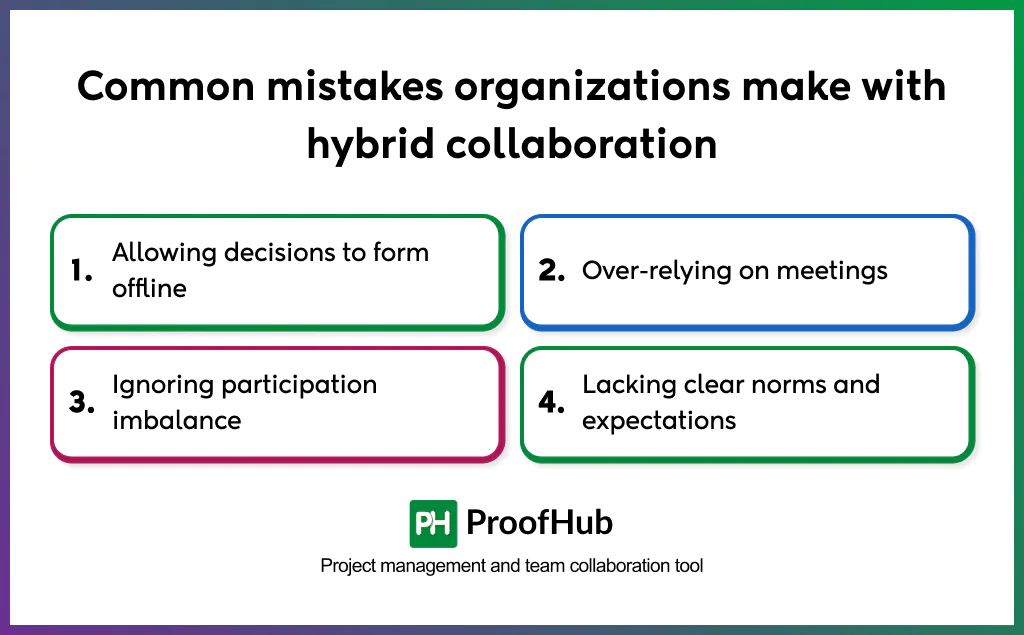
- Allowing decisions to form offline: When conversations and decisions occur informally in physical spaces without documentation, remote participants lose context. Undocumented decisions create rework and misalignment.
- Over-relying on meetings: Using meetings as the primary coordination mechanism increases dependency on availability and excludes asynchronous contributors. Excessive meetings reduce focus and slow execution.
- Ignoring participation imbalance: Failing to manage speaking time, visibility, and contribution in hybrid settings concentrates influence around in-person participants and erodes trust.
- Lacking clear norms and expectations: Unclear expectations around availability, response time, and ownership create friction. Inconsistent norms cause delays, missed dependencies, and coordination breakdowns.
What collaboration styles work best in hybrid collaboration?
The collaboration styles that work best in hybrid settings are facilitative, cooperative, delegative, and relational.
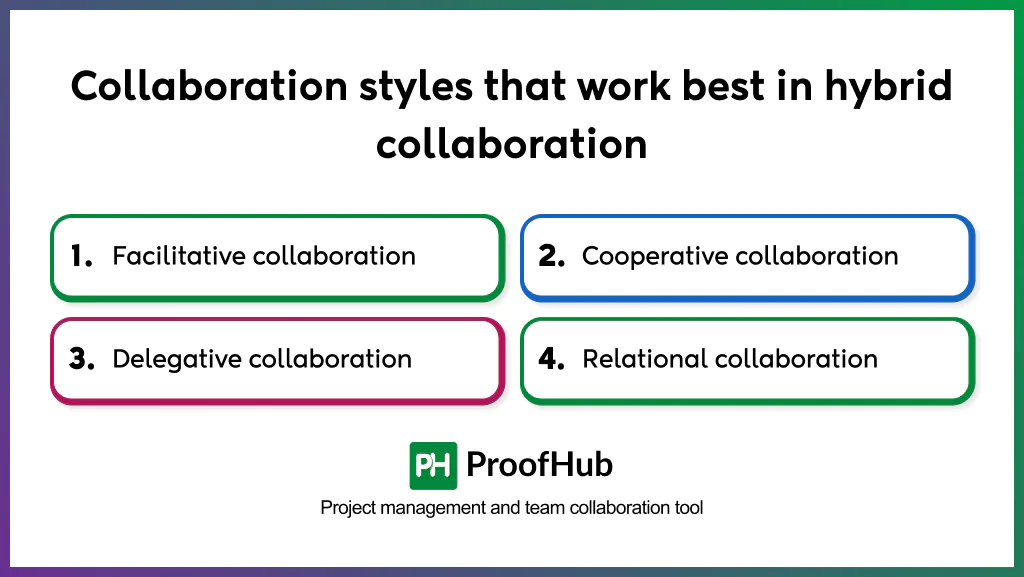
- Facilitative collaboration: Centers on guiding collaboration through structure rather than control. In hybrid environments, facilitation is essential to balance participation, manage interaction modes, and ensure that discussions, decisions, and outcomes are visible to everyone, not just those physically present.
- Cooperative collaboration: Focuses on shared goals, mutual responsibility, and collective outcomes. It works well in hybrid teams because success depends on cross-location coordination and shared responsibility rather than individual visibility.
- Delegative collaboration: Emphasizes trust, autonomy, and clear ownership. Delegative authority with clear expectations enables teams to move forward independently without waiting for real-time alignment, making it well-suited to hybrid environments where constant synchronous oversight is impractical.
- Relational collaboration: Prioritizes trust, connection, and psychological safety. It supports remote contributors who are more vulnerable to exclusion, reduced influence, and disengagement when intentional relationship-building is absent.
How does hybrid collaboration impact workplace culture?
Hybrid collaboration shapes workplace culture by shifting it from proximity-based interaction to system-driven participation. Trust, inclusion, and connection no longer depend on physical presence but on shared systems that make information, discussions, and decisions accessible to everyone. This reduces proximity bias, strengthens psychological safety, and enables remote and in-office contributors to participate with equal confidence and credibility.
Collaboration in hybrid workspaces reinforces accountability and engagement by making work, ownership, and outcomes visible across locations. Clear documentation and shared coordination practices maintain continuity across distributed schedules, role changes, and team growth, supporting a culture of reliability, fairness, and long-term alignment.