Design collaboration tools are digital platforms that help creative teams collaborate on design projects in real time, providing a centralized space to share ideas, manage feedback, make revisions, and manage digital assets and versions.
The tools support structured design workflows to keep all the design components and systems aligned, allowing designers, developers, and stakeholders to stay connected and productive across roles, locations, and time zones.
These tools are critical for maintaining design quality, speed, and alignment. They reduce feedback distortion, prevent version conflicts, and ensure decisions are visible and traceable. Centralized collaboration improves accuracy, shortens review cycles, and supports consistent brand execution across teams and projects.
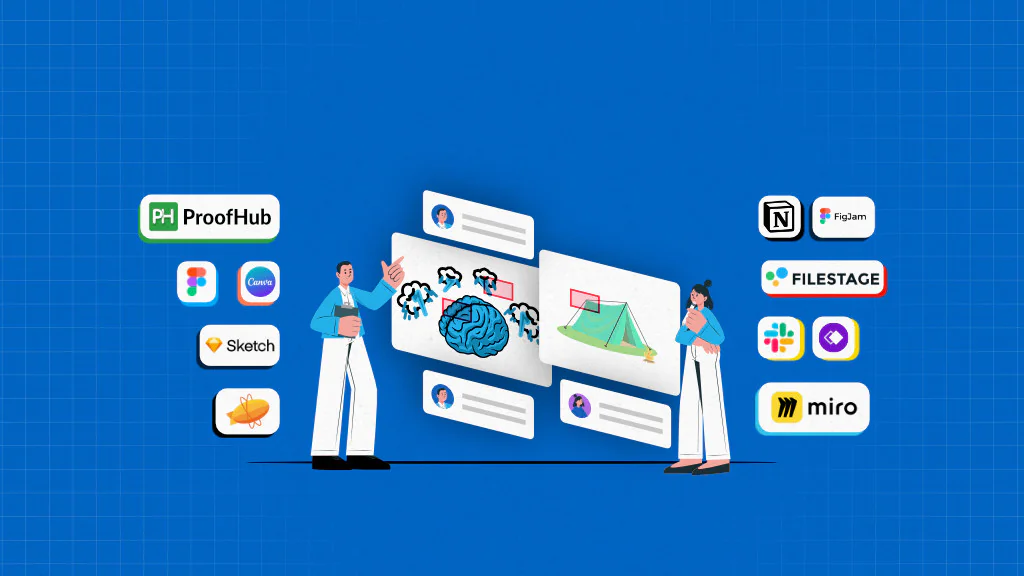
Design collaboration tools vary by collaboration focus and use case. Some specialize in real-time design and prototyping, others in review and approval, visual ideation, documentation, or communication and some in whiteboarding and wireframing. Leading tools include Figma, Canva, Sketch, Zeplin, ProofHub, Slack, Notion, Filestage, Miro, and Whimsical, each supporting different stages of the design lifecycle.
By clearly defining workflows, collaboration needs, and evaluating tools through hands-on testing, teams can make informed decisions about which tools to choose.
List of top design collaboration tools
| Sr. no. | Tool | Best for | Key features | Pricing | Rating |
|---|---|---|---|---|---|
| 1. | Figma | All-in-one team collaboration and project management | Centralized workspace for tasks, chat, and files; Gantt and Kanban views; built-in proofing; online approvals; reports | Essential: $45/mo (unlimited users) Ultimate Control: $89/mo (unlimited users) | G2: 4.7 Capterra: 4.7 |
| 2. | Canva | Quick visual design & brand-consistent assets | Drag-and-drop editor, brand kits, interactive whiteboards, media tagging, 600k+ templates | Free; Pro: $120/year; Business: $200/year; Enterprise: Custom | G2: 4.7 Capterra: 4.7 |
| 3. | Sketch | macOS-based UI & product design | Shared libraries, prototype sharing, real-time co-editing, developer handoff, in-context comments | $12–$74/editor/mo (annual billing) | G2: 4.5 Capterra: 4.6 |
| 4. | Zeplin | Design-to-development handoff | Annotations, approvals, version control, structured feedback, locked designs | Free; Basic: $118.25/mo; Advanced: $12/seat/mo; Enterprise: Custom | G2: 4.4 Capterra: 4.4 |
| 5. | ProofHub | Project management + design review | Online proofing, task management, file versioning, real-time collaboration, custom permissions | Essential: $45/mo; Ultimate: $89/mo (unlimited users) | G2: 4.6 Capterra: 4.5 |
| 6. | Slack | Team communication & coordination | Channels, threads, huddles, file sharing, task lists, integrations | Free; Pro: $7.25/user/mo; Business+: $15/user/mo; Enterprise: Custom | G2: 4.5 Capterra: 4.7 |
| 7. | Notion | Design documentation & workflow organization | Databases, shared workspaces, teamspaces, real-time editing, modular pages | Free; Business: $10/member/mo; Plus: $20/member/mo; Enterprise: Custom | G2: 4.6 Capterra: 4.7 |
| 8. | Filestage | Feedback & approval management | Visual annotations, automated reminders, approval tracking, versioned reviews, secure sharing | Free; Basic: $109/mo; Pro: $299/mo; Enterprise: Custom | G2: 4.6 Capterra: 4.7 |
| 9. | FigJam | Visual brainstorming & ideation | Infinite canvas, emoji feedback, live cursors, spotlight mode, templates | Free; Professional: $5/seat/mo; Org & Enterprise: $5/seat/mo | G2: 4.6 Capterra: 4.8 |
| 10. | Miro | Collaborative whiteboarding & workshops | Infinite boards, live cursors, talktracks, board permissions, presentation mode | Free; Starter: $8/member/mo; Business: $16/member/mo; Enterprise: Custom | G2: 4.7 Capterra: 4.7 |
| 11. | Whimsical | Early-stage planning & flow visualization | Flowcharts, mind maps, wireframes, whiteboards, templates | Free; Pro: $10/editor/mo; Business: $15/editor/mo; Enterprise: $20/editor/mo | G2: 4.6 Capterra: 4.7 |
1. Figma

Figma is a cloud-based design collaboration platform that enables design teams to prompt, design, code, present, and deliver products from a single shared workspace.
From websites and interactive prototypes to complex product interfaces, Figma combines vector-based design, real-time collaboration, and developer handoff to keep teams aligned.
Key features
- Dev mode: A dedicated space for annotations, design specs, and code snippets.
- Shared design system: Centralized brand libraries with reusable components, variables, styles, and shared assets.
- Jam board: Built-in whiteboard for brainstorming, visualizing, and diagramming ideas.
- Multi-player editing: Real-time creation, editing, and collaboration with live cursors and presence indicators.
- Contextual commenting: Threaded comments, mentions, and feedback directly on design components.
Pros
- Comprehensive solution.
- Provides ready-to-use templates across various categories.
- Supports real-time collaboration.
Cons
- Steeper learning curve for new users.
- The free version limits functionalities.
- Advanced access controls require high-tier plans.
Pricing
Figma offers four plans:
- Starter: Free
- Professional: $16/month for a full seat (when billed annually)
- Organization: $55/month for a full seat (when billed annually)
- Enterprise: $90/month for a full seat (when billed annually)
Rating
- G2: 4.7
- Capterra: 4.7
2. Canva
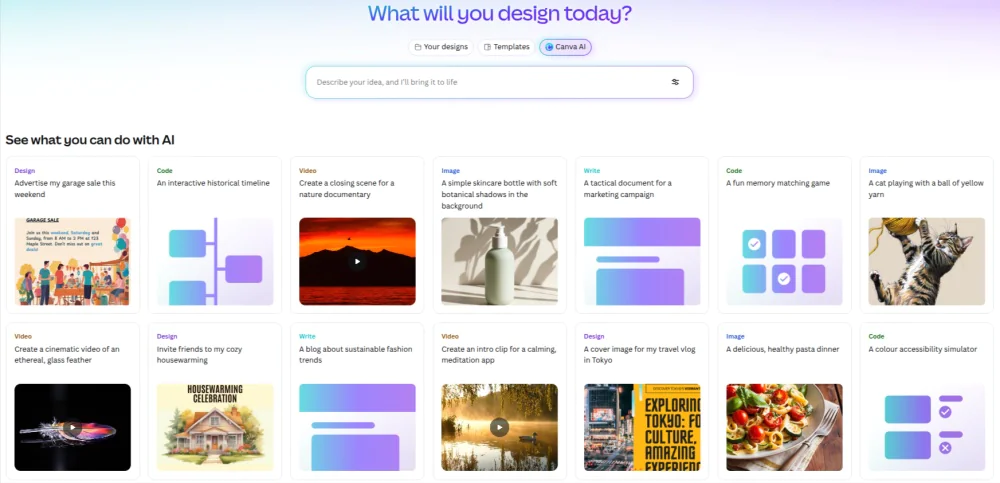
Canva is an AI-powered graphic design collaboration platform that enables teams to share ideas, map projects, create and visualize designs, and enable collaboration across every level of the organization.
Teams can make real-time comments, share design insights, and invite stakeholders via a link to speed up reviews and improve workflows.
Key features
- Drag and drop interface: A simple editor for fast visual creation and customization.
- Interactive whiteboards: Centralized space to invite team members, allocate tasks, get approvals, and collaborate on projects.
- Media tagging: Tag images, videos, and designs for easy search.
- Brand kits: Set up a shared directory of fonts, colors, and assets to ensure brand consistency across all designs.
- Template library: Use 600k+ pre-built, reusable layouts to accelerate content creation.
Pros
- Extremely easy to use.
- Provides strong brand consistency tools.
- Allows fast, seamless content creation for non-design teams.
Cons
- Not suitable for complex UI.
- Search functionality is widely reported as broken or difficult to use.
- Performance issue during basic editing and file loading.
Pricing
- Free: $0 for one person
- Pro: $120/year for one person
- Business: $200/year for one person
- Enterprise: Contact the sales team for enterprise-level security and controls
Rating
- G2: 4.7
- Capterra: 4.7
3. Sketch
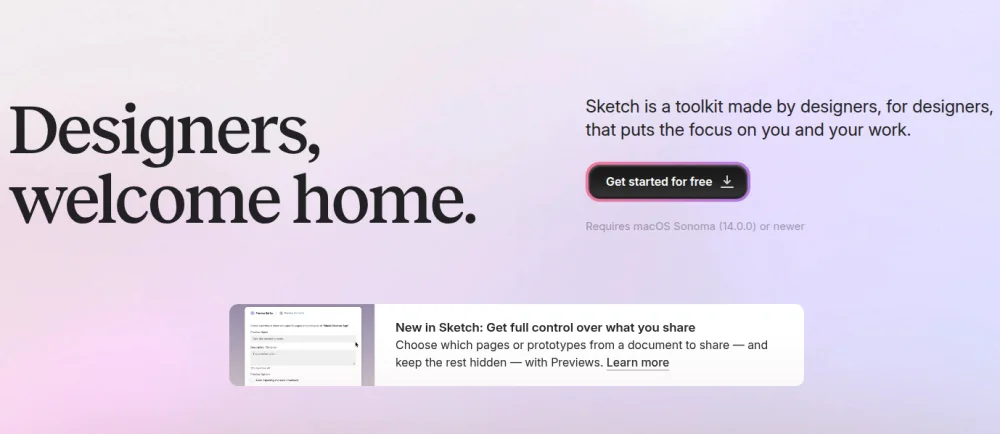
Sketch is a vector-based design collaboration tool that lets designers create and co-edit detailed designs in real time, share interactive prototypes, and manage design systems to reduce gaps and silos between design and development.
It is primarily designed for macOS to support real-time collaboration, structured feedback, and developer handoff through Sketch Cloud and shared workspaces.
Key features
- Shared libraries: Centralized design components, templates, and systems with controlled access.
- Prototype sharing: Link-based access for stakeholders to review designs and test interactive prototypes.
- In-context comments: Add contextual feedback directly on design or prototype with chat-like discussions.
- Developer handoff tools: Inspect mode for specs, leave comments, and asset exports.
- Real-time co-editing: Edit the same document simultaneously with live cursors and instant syncing.
Pros
- Seamless performance and experience for Apple users.
- Strong version control and library synchronization.
- Unlimited free viewer access for stakeholders
Cons
- macOS only platform.
- External guest editors require a paid licence.
- Lacks robust collaboration features.
Pricing
Sketch offers four pricing solutions:
- Standard: $12/month/editor for individuals and small teams (annual billing)
- Business: $24/month/editor for growing teams and agencies (annual billing)
- Enterprise: $44/month/editor for large organization (annual billing)
- Private Cloud: $74/month/editor for high security environments (annual billing)
Rating
- G2: 4.5
- Capterra: 4.6
4. Zeplin
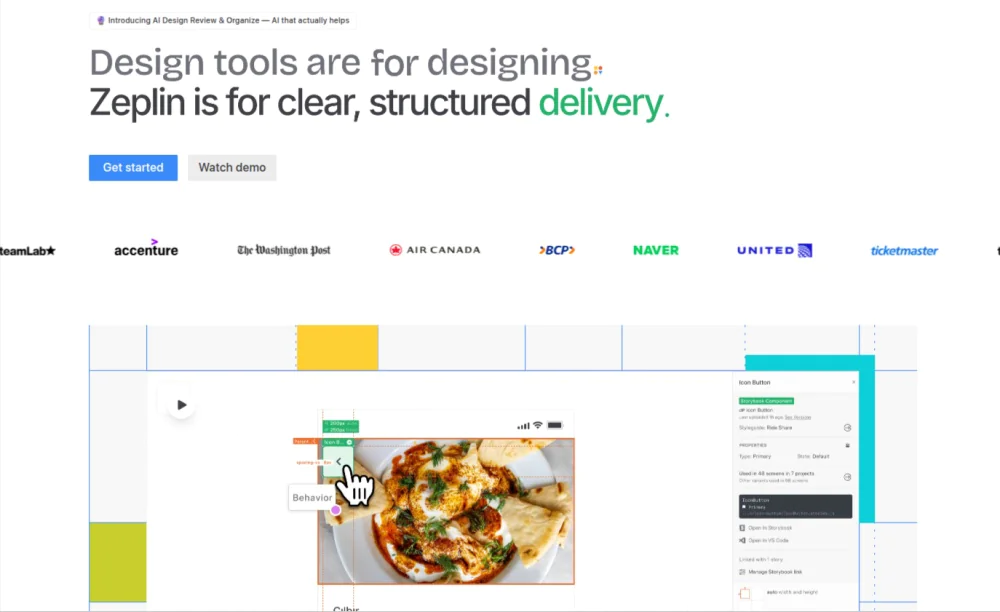
Zeplin is a structured design delivery and collaboration platform primarily for developers and product teams, designed to ensure clear handoffs between design and development by separating finalized screens from in-progress work.
It creates a single source of truth for approved designs, documented intent, and structured feedback, providing clarity, confidence, and structure.
Key features
- Annotations: Mark design intent, behaviors, and requirements using contextual notes, descriptive GIF videos, or reference links.
- Comments: Ask questions, add visuals, and share feedback directly on screens, components, and flows.
- Approvals: Initiate, manage, and track approvals right across designs to confirm readiness before development.
- Version control: Track revisions, compare versions, and publish locked designs to prevent unintended edits.
- Link sharing: Share direct links to Zeplin resources, such as screens, components, style guides, and flows.
Pros
- Strong design-to-development clarity.
- Clear distinction between in-work and approved designs.
- Reduces rework and developer clarification cycles.
Cons
- Requires separate design tools for creation.
- Permission controls are available in high-tier plans.
- Collaboration is based on finalized design inputs rather than live co-editing.
Pricing
Zeplin offers two methods for pricing:
Pay per project
- Free: $0 for one project
- Basic: $118.25/ month for 12 projects and unlimited users (annual billing)
Pay per seat
- Advanced: $12/seat/month for 50 projects (annual billing)
- Enterprise: Contact the sales team for unlimited projects
Rating
- G2: 4.4
- Capterra: 4.4
5. ProofHub
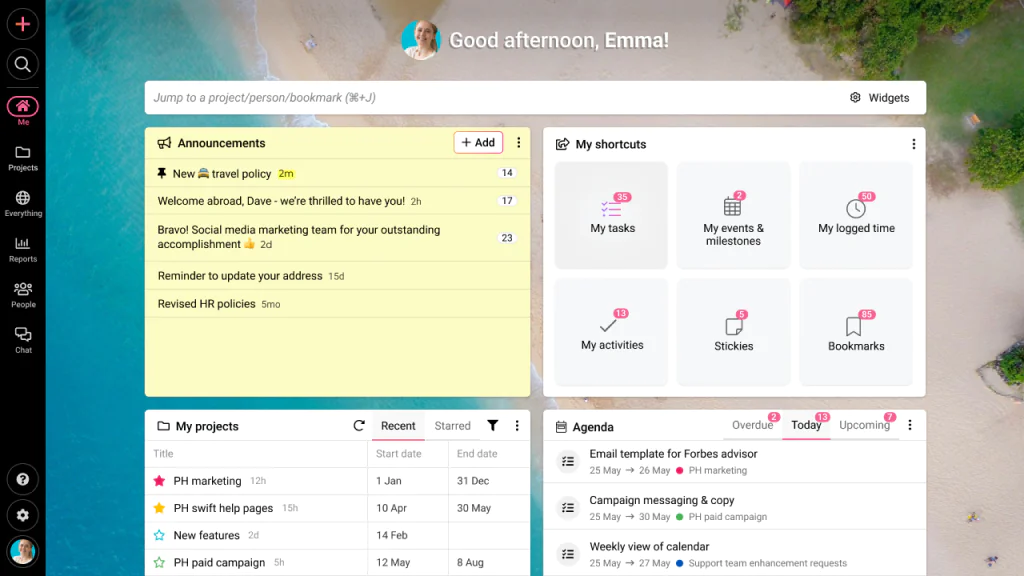
ProofHub is a team collaboration platform that helps design teams manage tasks, track progress, and reallocate resources to complete design projects on time and within budget.
ProofHub centralizes design work, simplifies communication, and streamlines creative operations. It reduces fragmentation and miscommunication by bringing together people, ideas, feedback, approvals, version history, and digital assets in one place. From managing digital assets, collecting contextual feedback, and tracking versions to collaborating contextually on files and tasks, ProofHub supports end-to-end coordination across designs.
Key features
- Task management: Create and delegate tasks, set deadlines, track progress, and visualize tasks at a glance in multiple views, including board and table.
- Custom workflow and permissions: Create a custom workflow for a design team and set permissions to control access.
- Gantt chart: Set dependencies between tasks and create and visualize a project plan using a Gantt chart.
- Real-time collaboration: Built-in tools for instant messaging, discussions, mentions, and contextual comments.
- Online proofing: Review and markup digital assets, leave feedback, and compare versions.
Pros
- Scalable and cost-effective solution.
- All-in-one solution combining project management with design review.
- Accelerates feedback cycles and the approval process.
Cons
- No free plan available. But offers a 14-day free trial.
- Room to add more integrations.
- Not suitable for solopreneurs and freelancers.
Pricing
ProofHub offers two flat-fee and no-per-user fee pricing plans:
- Essential: $45/month for unlimited users (annual billing)
- Ultimate Control: $89/month for unlimited projects and users (annual billing)
Rating
- G2: 4.6
- Capterra: 4.5
6. Slack
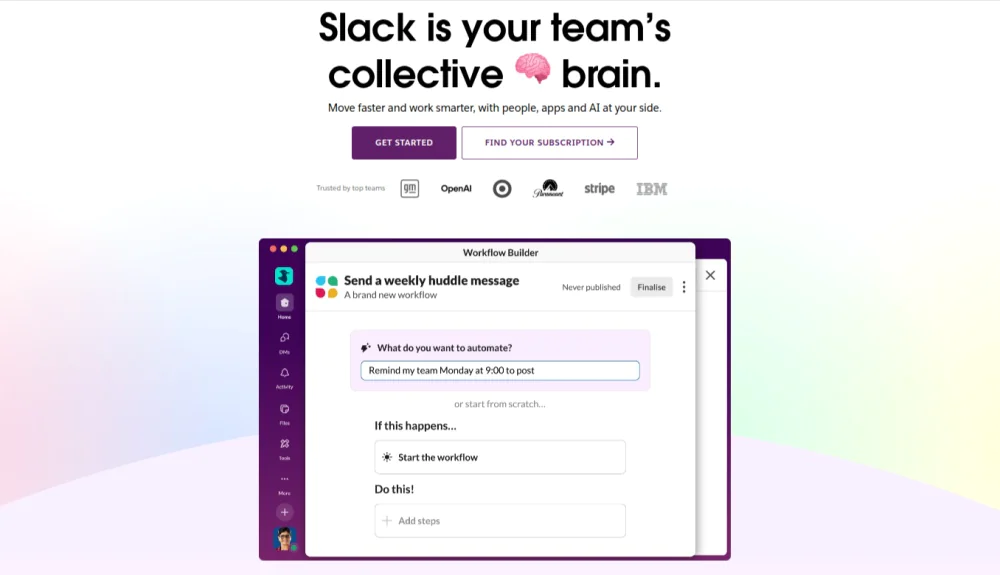
Slack is a messaging and communication platform designed to help design teams communicate, collaborate in real time, and stay aligned on ongoing design work.
Design teams can create dedicated channels, discuss ideas, share assets, and collaborate in real-time through organized conversations, quick discussions, and integrated notifications, ensuring faster alignment and decision-making.
Key features
- Lists: Create, track, and manage tasks directly within Slack conversations.
- Channels: Create topic, project, or client-specific spaces for organizing conversations.
- Threads: Reply in threads to keep discussions in context rather than cluttering the channel.
- Messaging and huddles: Quick one-on-one or group conversations, using text, voice, and video calls.
- File sharing: Share files, documents, photos, and videos from shared drives, computers, or devices.
Pros
- Minimal learning curve.
- Instant communication speeds up feedback cycles.
- Integrates with popular design tools, including Figma and Sketch.
Cons
- Design feedback becomes fragmented across channels and threads.
- Managing multiple channels can become overwhelming as projects grow.
- Locating important conversations and feedback is complex.
Pricing
Slack has four pricing options:
- Free: Free for basic collaboration facilities
- Pro: $7.25/user/month for advanced collaboration (annual billing)
- Business+: $15/user/month for AI functionalities (annual billing)
- Enterprise+: Contact sales team for custom pricing
Rating
- G2: 4.5
- Capterra: 4.7
7. Notion
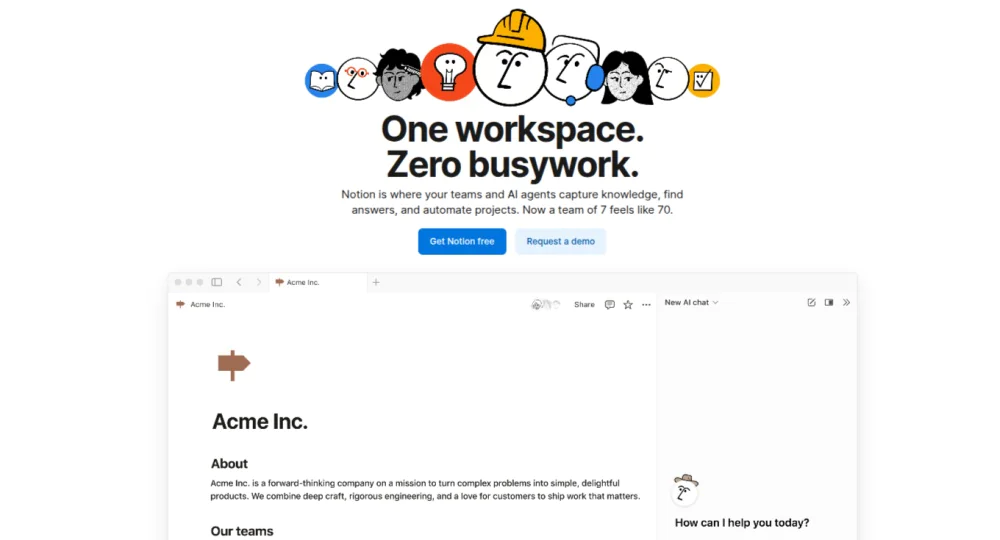
Notion is a workspace and knowledge management platform designed to consolidate documentation, resources, and workflows in one place.
It creates a shared workspace for design teams to plan projects, document decisions, manage design systems, and coordinate workflows around design execution and operations.
Key features
- Database: Track design tasks, dependencies, feedback, and project status with customizable views.
- Shared workspaces: A single space for centralized design docs, briefs, files, and recorded decisions.
- Teamspaces: Dedicated space for centralizing design work with controlled access.
- Real-time collaboration: Edit documents simultaneously while visualizing which blocks teammates are editing or viewing.
- Pages and blocks: Modular content units that can be added to pages for structuring design systems.
Pros
- Highly customizable to fit any team’s workflow.
- Can invite external guests to collaborate.
- Easily drag and drop organization.
Cons
- Limited real-time collaboration features.
- Can become cluttered and disorganized if not maintained.
- Large databases impact tool performance.
Pricing
Notion offers four plans to choose from:
- Free: $0 for individual usage
- Business: $10/member/month for small teams and professionals
- Plus: $20/member/month for granular database permissions
- Enterprise: Contact the sales team for custom pricing
Rating
- G2: 4.6
- Capterra: 4.7
8. Filestage
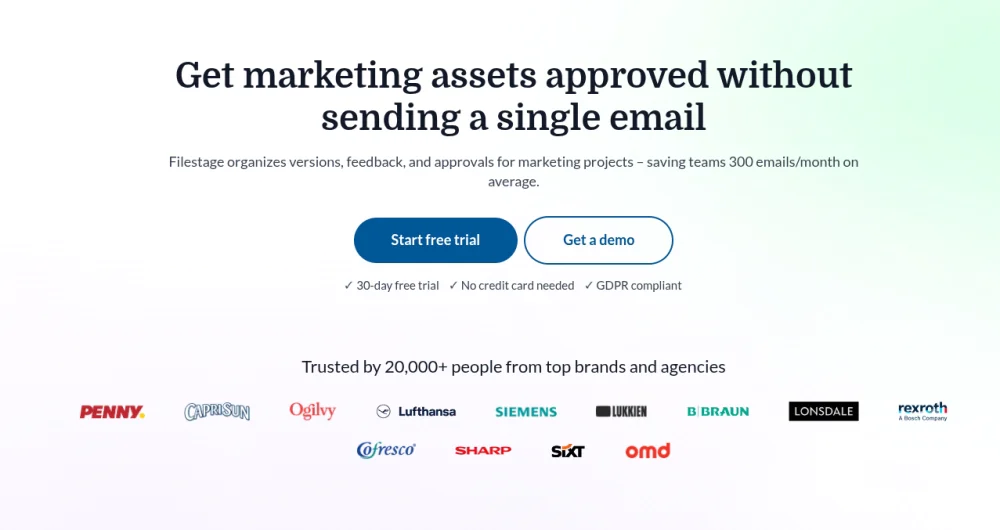
Filestage is a collaborative feedback and approval management platform that lets teams review and approve marketing assets without unnecessary back-and-forth.
It enables teams to organize files, feedback, and stakeholders in structured projects, folders, and review groups for clear, accountable collaboration.
Key features
- Visual annotations: Draw directly on files, leave feedback, and convert comments into structured action checklists.
- Automated reminders: Send reminders to reviewers on the scheduled due date to accelerate feedback.
- Approval tracking: Track review status, reviewers, and request changes from stakeholders in real-time.
- Link sharing: Generate and share password-protected links to control access and protect sensitive assets.
- File sharing: Upload and review multiple file types, including designs, videos, HTML, and more.
Pros
- Intuitive drag-and-drop interface.
- A comprehensive approval and feedback platform.
- Offers integration with project management, content creation, and messenger tools.
Cons
- Offers limited customization.
- Lacks real-time co-editing capabilities.
- Version control is available only on high-tier plans.
Pricing
Users can choose from four Filestage plans:
- Free: free for 2 active projects
- Basic: $109 month for 10 active projects (annual billing)
- Professional: $299/month for 25 active projects (annual billing)
- Enterprise: Contact the sales team for unlimited storage and team members
Rating
- G2: 4.6
- Capterra: 4.7
9. Miro
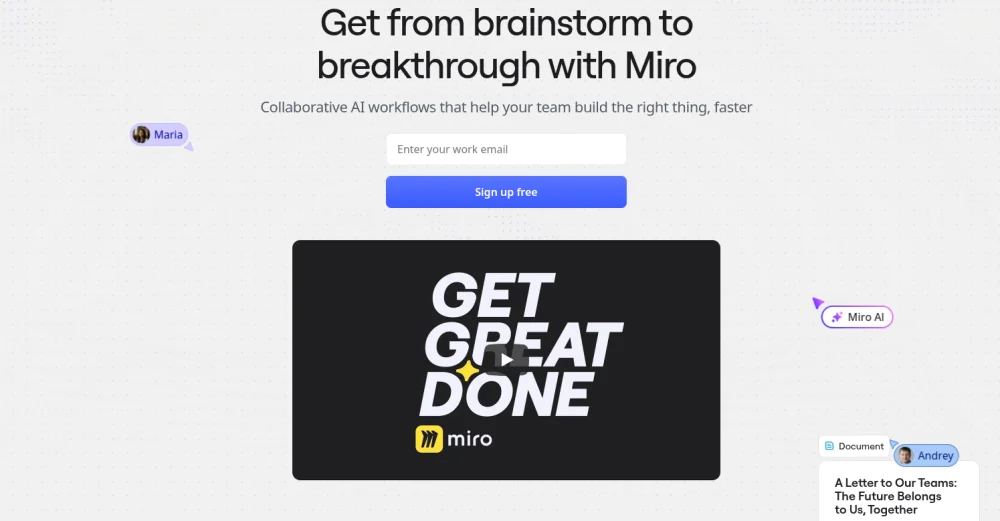
Miro is a cloud-based design collaboration platform that enables teams to work together on an infinite digital canvas in real-time or asynchronously, ensuring shared understanding and team alignment.
Teams collaborate on boards to capture ideas, brainstorm, and map systems using sticky notes, comments, diagrams, frames, and templates.
Key features
- Infinite whiteboards: Expandable canvas for mapping ideas, flows, and system diagrams.
- Real-time cursors: Live presence indicators to show who is working where.
- Talktracks and video calls: Record walkthroughs of boards or host video calls for discussions and clarification.
- Board access control: Invite other participants to view, comment on, and edit boards with granular permissions.
- Interactive presentation mode: Present boards in a slide-like format for reviews and workshops.
Pros
- Intuitive interface supports cross-functional alignment.
- Provides a built-in timer and voting tool for workshops.
- Effective for distributed and asynchronous teams.
Cons
- Data-heavy boards experience performance lag.
- The free tier feels restrictive in functionality.
- Premium support is available in high-tier plans.
Pricing
Miro has four plans available:
- Free: free for up to 3 editable boards and formats
- Starter: $8/month/member for unlimited boards (annual billing)
- Business: $16/month/member for multiple teams (annual billing)
- Enterprise: Custom pricing starting from 30 members
Rating
- G2: 4.7
- Capterra: 4.7
10. Whimsical
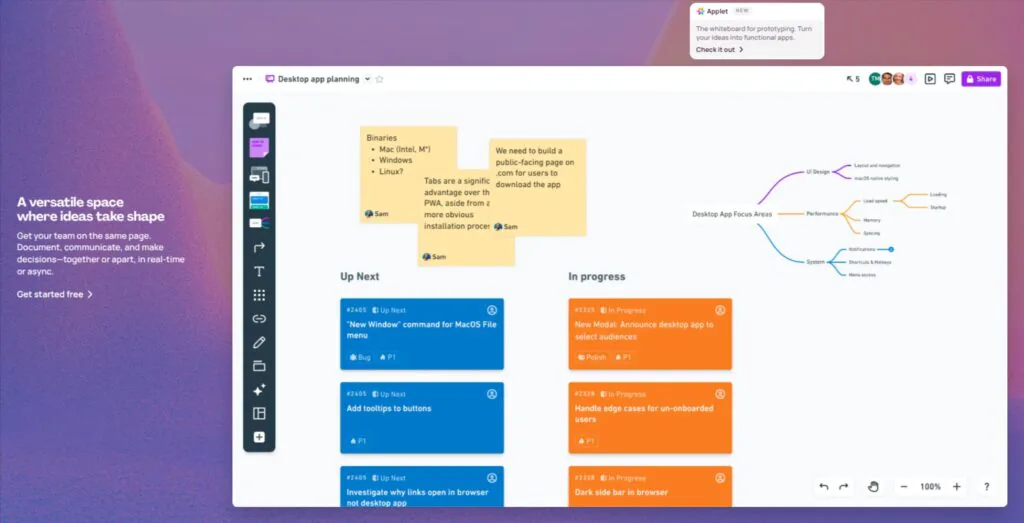
Whimsical is a collaborative visual workspace with an infinite canvas for capturing ideas, structuring thinking, and designing flows.
It combines whiteboards, wireframes, flowcharts, mind maps, and docs to enable teams to map workflows, visualize concepts, leave feedback, and collaborate in real time on early-stage design and planning.
Key features
- Flowchart maker: Turn complex ideas and processes into structured flows using shapes, shortcuts, and an infinite canvas.
- Mindmaps: Create structured layouts with branches and nodes, and collaborate on them in real-time.
- Whiteboards: Sketch ideas using freehand writing and sticky notes, or present boards in slide mode.
- Wireframes: Build low-fidelity wireframes using simple drag-and-drop icons, frames, and components.
- Templates: Use both simple and complex diagram templates for common workflows.
Pros
- Simple and clean interface.
- Clearly shows who is editing and viewing files in real time.
- Supports embedding images and videos from external tools.
Cons
- Advanced access control requires paid plans.
- Not suited for complex design systems.
- Lacks extensive customization options.
Pricing
Whimsical offers four plans to choose from:
- Free: $0/month/editor for personal projects
- Pro: $10/month/editor for individuals or small teams
- Business: $15/month/editor for large teams
- Enterprise: $20/month/editor for advanced controls
Rating
- G2: 4.6
- Capterra: 4.7
What are design collaboration tools?
Design collaboration tools are digital applications that facilitate collaboration among designers, cross-functional teams, and stakeholders involved in the design process. It enables teams to create, review, iterate on, and work on design artifacts within a single shared space.
These platforms bring structure and clarity to design workflows by addressing common challenges design teams face every day, such as fragmented feedback, lost context, version confusion, unclear ownership, and delayed approvals through in-context collaboration and controlled access.
The purpose of design software is to maintain a single source of truth for design work, ensuring shared understanding across teams, reducing rework, and delivering high-quality designs.
What are the benefits of design collaboration tools?
Design collaboration tools accelerate feedback cycles, centralizes documents, reduce friction, increase transparency, improve quality, and improve alignment across teams.
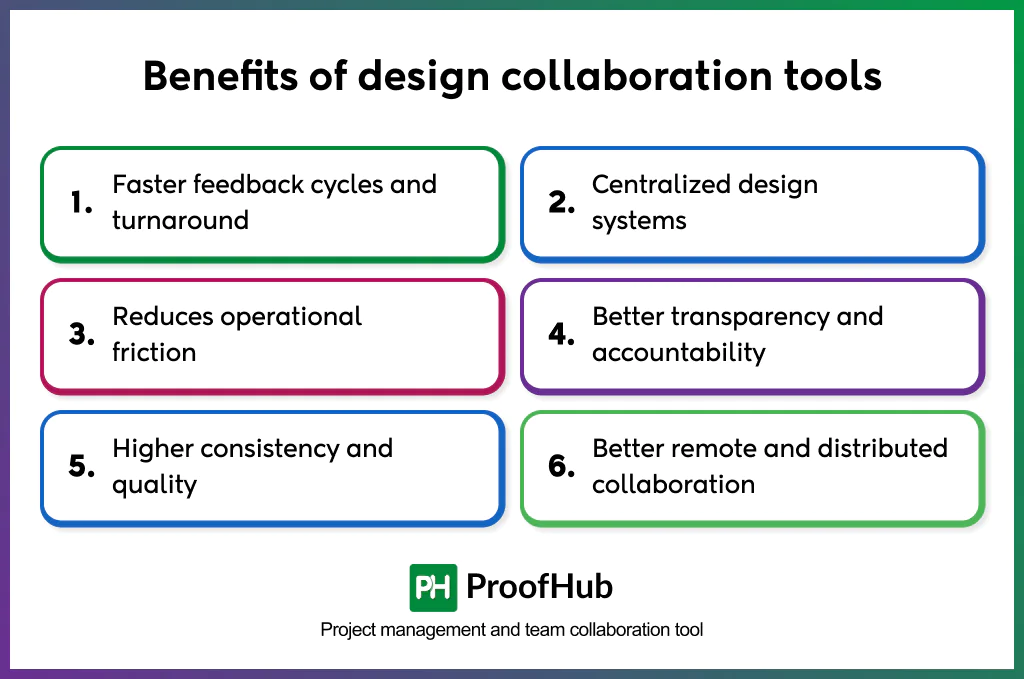
- Faster feedback cycles and turnaround: In-context comments, feedback, annotations, and approvals reduce clarification loops, shorten revision cycles, and speed up decision-making.
- Centralized design systems: Single, shared asset libraries for design components, styles, tokens, and patterns, prevent the utilization of outdated assets, and ensure teams work on the knowledge.
- Reduces operational friction: Structured comments, version history, and approved states eliminate ambiguity, assumptions, and duplicate effort.
- Better transparency and accountability: Visible ownership, reviewers, and a history of comment resolution across designs make responsibility explicit and decisions traceable.
- Higher consistency and quality: Standardized assets, design systems, and documented intent ensure consistent outcomes across screens, flows, and products.
- Better remote and distributed collaboration: Asynchronous comments, walkthroughs, and shared workspace enable designers, developers, and stakeholders across locations and time zones to collaborate seamlessly.
What are the key features a design collaboration tool should have?
The key features include prototyping and handoffs, real-time collaboration, version history and control, commenting and feedback system, task management, flexible sharing and permission controls, and asset management.
Every tool offers a different set of features. For example, a project management and collaboration tool like ProofHub has a different set of features than a prototyping tool like Figma for a design team. Despite variations in feature sets, a tool must support clear communication, file sharing, collaboration, and feedback across all design stages.
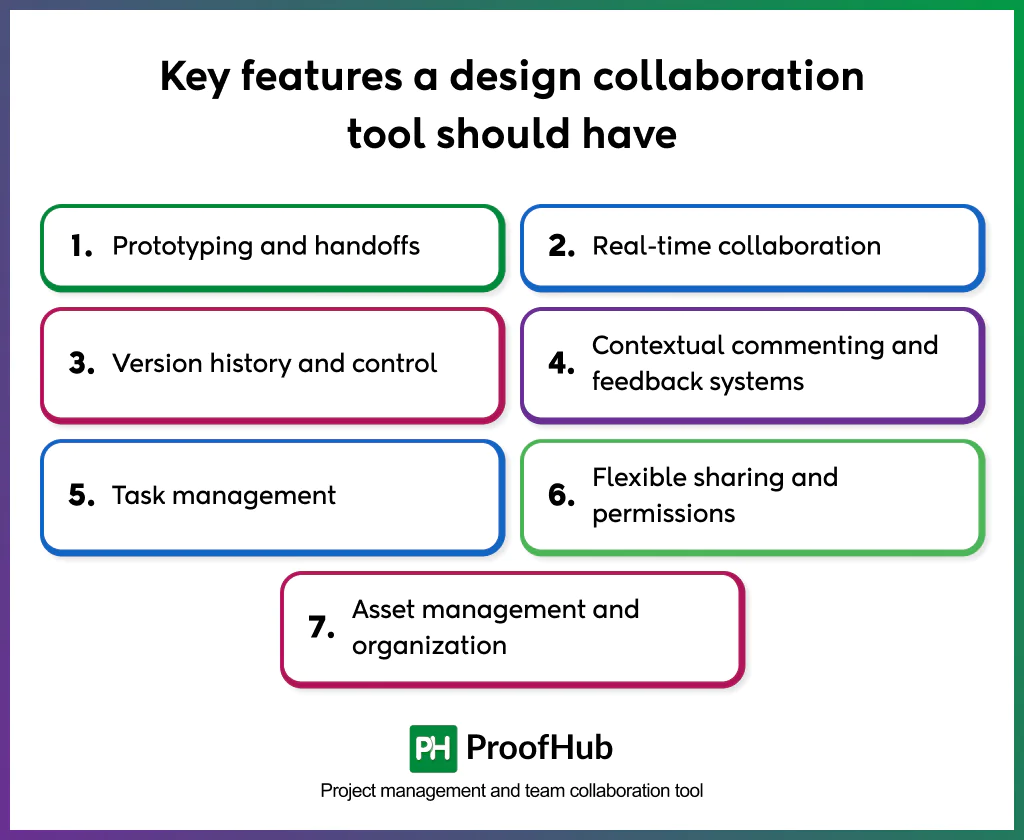
Here are the key features design collaboration tools should have:
- Prototyping and handoffs: Interactive prototypes, spec, and asset exports to support seamless design handoffs.
- Real-time collaboration: Multiple users working on the same files simultaneously, add contextual comments, and view updates through real-time synchronization.
- Version history and control: Automatic version storage with editors and time details, the ability to revert to previous versions, and compare changes across multiple iterations.
- Contextual commenting and feedback systems: In-context comments, annotations, and threaded discussions directly on files, designs, and prototypes for precise feedback.
- Task management: Built-in task creation, delegation, and progress tracking to manage design work and iterations.
- Flexible sharing and permissions: Role-based access, protected link sharing, and granular controls for viewing, commenting, and editing.
- Asset management and organization: Centralized storage for files, components, and design systems with structured organizations.
How to select the right design collaboration tools for your team?
To select the right tool for design collaboration, understand your workflow, team size, access & ease of use, collaboration requirements, compare the tool cost, and test the tool.
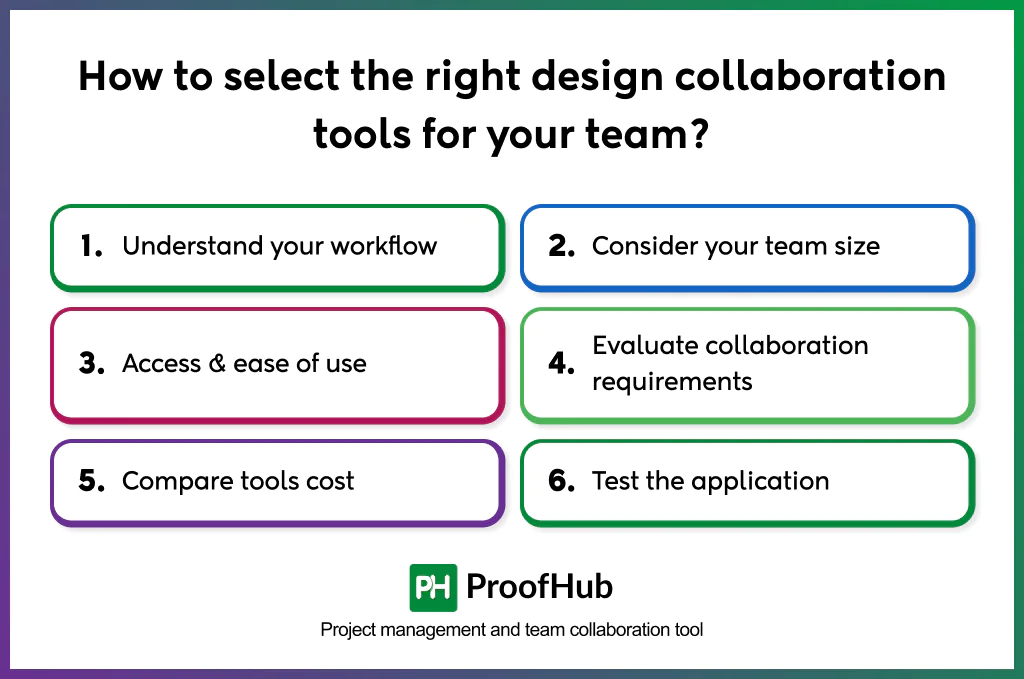
- Understand your workflow: Analyze the current design workflow and map how designs move from creation to review, approval, and handoff. Identify where collaboration breaks down and where delays occur.
- Consider team size: Factor in how many people collaborate on designs, their permission levels, and usage patterns to determine what best suits their needs.
- Access & ease of use: Choose a tool that matches the technical expertise of everyone involved in the collaboration, including designers, developers, marketers, and external stakeholders, without requiring extensive onboarding.
- Evaluate collaboration requirements: Confirm that the tool supports all the capabilities your team needs to work effectively.
- Compare tool costs: Evaluate pricing based on storage limits, feature tiers, annual versus monthly pricing, onboarding costs, and the cost impact when the team scales.
- Test the application: Validate the tools’ usability, performance, and adoption firsthand through free trials before committing, to ensure the system fits your workflow.
What are the common challenges teams face when adopting these tools?
Common challenges teams face include low adoption, resistance to change, tool fragmentation, tool incompatibility, and increased tool costs.
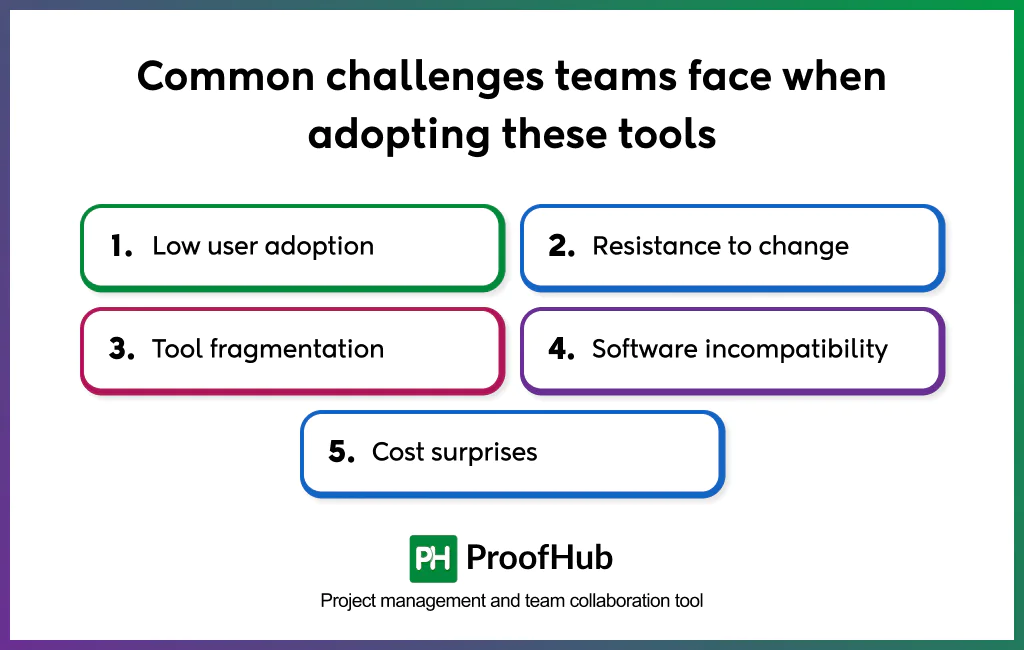
- Low user adoption: When teams don’t clearly see the value, or worse, when only a section of employees commits to using the tool, it leads to inconsistent usage and fragmented workflows. Communicate the clear benefits of the tool in daily workflows, so teams understand its significance.
- Resistance to change: Established workflows, familiarity with existing tools, lack of training, or limited buy-in from leadership slows adoption. Avoid big tool rollouts; instead, roll out the tool with one project or team, and provide hands-on training to ensure buy-in.
- Tool fragmentation: When team members continue to use multiple tools in parallel, information becomes scattered and silos form. Establish a single source of truth for files, feedback, and approval. And if needs extend beyond a single tool, define clear guidelines about what to use and when.
- Software incompatibility: The new tool’s incompatibility with existing systems leads to inconsistencies, frustration, and repeated work. Audit existing solutions and workflows to identify integration gaps and assess compatibility with new tools.
- Cost surprises: Hidden fees, add-ons, or the need to upgrade to higher plans as teams scale increase cost beyond expectations. Understand pricing beyond the base plan, and factor in user growth, feature add-ons, and usage limits when planning to scale.
How much do design collaboration tools typically cost?
The cost typically ranges from free plans for basic or individual use to $8–$55 per user per month for professionals and teams. For large organizations seeking advanced functionality, such as administrative control, security, and customization, tools offer enterprise-grade packages with custom pricing tailored to business-specific needs.
Costs vary by billing cycle, with annual plans typically offering lower monthly rates than monthly subscriptions. While many tools use a per-user pricing model, others offer a flat-fee plan that allows unlimited users within a single workspace. Pricing depends heavily on the depth of collaboration features, storage capacity, file sharing, security and compliance standards, admin controls, custom integrations, and the number of users.
How secure are cloud-based design collaboration tools?
Cloud-based design collaboration tools are highly secure when they are configured correctly. Their security levels vary by vendor and usage and depend heavily on the tool’s security architecture and how teams enforce usage discipline, access policies, and permissions.
Generally, enterprise-grade tools provide:
- SSL encryption for data in transit
- IP restrictions for access controls
- Encryption at rest for stored files
- SOC 2 compliance and SSO integration
- Two-factor authentication
- Regular security audits
However, even with strong platform security, vulnerabilities can arise when human factors weaken security controls.
Common risk areas include:
- Weak or reused passwords
- Overly permissive sharing
- Accidental sharing
- Forgetting to revoke access