

A slow client approval process delays project timelines, increases revision cycles, and creates unnecessary communication gaps.
Whether you manage creative projects, marketing campaigns, or product designs, obtaining timely client approvals is essential for keeping work on schedule and ensuring that deliverables meet client expectations.
A streamlined client approval workflow minimizes bottlenecks, improves collaboration, and helps teams move projects from review to completion more efficiently.
This article covers how to streamline client approvals by covering proven strategies, best practices, common challenges, and tools that simplify review and approval workflows.
What does client approval mean?
Client approval is the formal confirmation or acceptance given by a client for a completed deliverable or design.
The process involves agreeing on the project scope, approval criteria, and expectations before work begins, and then evaluating the deliverable against those agreed standards before giving final approval.
The approval serves as a decision checkpoint, confirming that the client is satisfied with the outcome delivered and that it is ready to move to the next stage.
Why is client approval important?
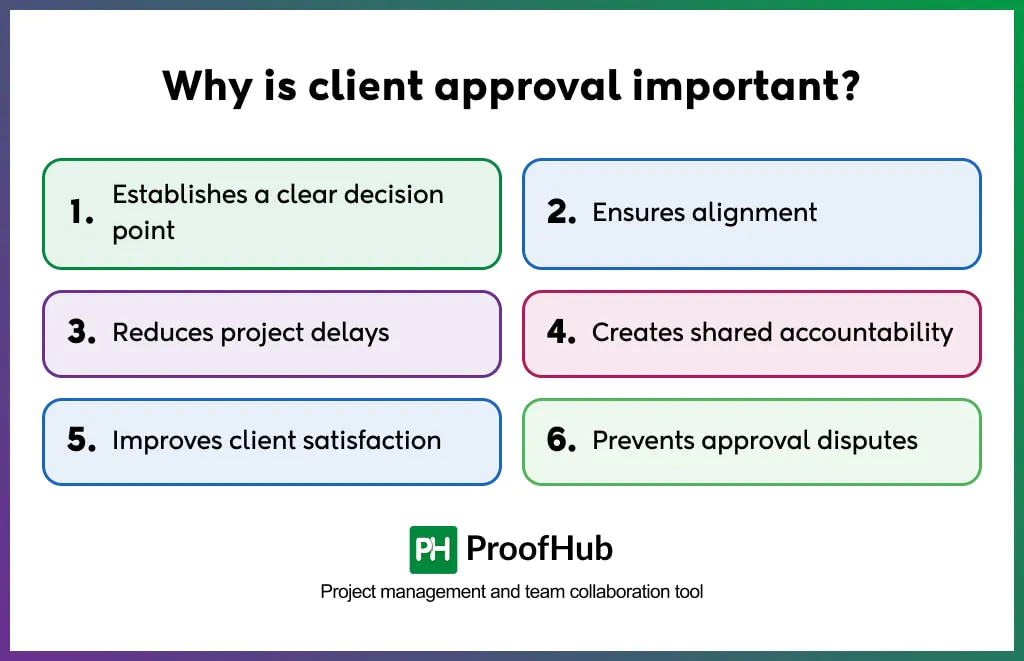
Client approval is important because it provides a clear decision point that validates creative work, ensures alignment, reduces delays, creates shared accountability, improves confidence, and prevents approval disputes.
- Establishes a clear decision point: Marks the clear decision point, which indicates that the deliverable has been approved by the client and does not require further revisions or rework.
- Ensures alignment: Formal approval confirms that the final deliverable aligns with the client’s business objectives, brand guidelines, and expectations. It indicates that the outcome shares the same vision and intent as originally agreed.
- Reduces project delays: Having defined review stages ensures that every deliverable passes through multiple, predefined checkpoints and progresses only when it meets the approval criteria for each stage. By validating deliverables progressively, teams identify and resolve issues earlier to minimize delays caused by late-stage revisions.
- Improves client satisfaction: Client confidence increases when deliverables pass through clear, transparent review and approval workflows, making it easy for them to remain informed about project progress and approval status.
- Prevents approval disputes: Asset approvals create a record of who approved the version, when it was approved, and which version received the final sign-off. This helps resolve disagreements that may arise later because of the absence of a documented approval history.
Steps to create a client approval process
A client approval process mainly consists of six steps: defining the approval stages, sharing the creative work with reviewers, collecting feedback contextually, sharing a revised version for review, recording the final approval, and locking the approved version.
1. Define the approval stages
Identify the approval checkpoints a deliverable must pass through before receiving final approval. When expectations are established at each stage, the clients review work progressively and feedback is incorporated at the appropriate stage.
The deliverable is more likely to evolve through smaller, manageable refinements instead of major last-minute revisions.
2. Share creative work with reviewers
Upload the deliverable to a centralized workspace and attach it to the relevant task to keep the review process organized.
Assign the stakeholders responsible for reviewing the work, and set review deadlines that encourage timely responses.
Each review stage should define:
- What is being reviewed
- Who reviews it
- Review deadline
- Expected approval date
When review responsibilities are clearly defined, everyone becomes more accountable for their role in the approval process.
3. Collect feedback contextually
Instead of leaving general comments that everyone interprets differently, provide feedback directly on specific elements within the creative asset.
Contextual comments give creators clarity on what exactly needs to change without making assumptions, while reviewers can explain requested modifications precisely.
4. Send a revised version for review
Implement the requested revisions using the consolidated feedback and share the updated deliverable for another review.
As revisions are made, each updated file should be clearly versioned so reviewers don’t confuse the latest version with the previous iterations.
5. Record the final approval
Capture the client’s final approval formally through documented approval status rather than relying on verbal confirmations or informal messages like a thumbs-up in chat.
The centralized platform should maintain a visible approval record that anyone involved in the project can refer to for a quick glance at the current status.
6. Lock the approved version
Once the deliverable receives final approval, mark the version as approved so everyone knows which version should be used for publication or handover.
The version number associated with the approved file serves as the reference, while the older versions still remain accessible. This makes it easy to compare revisions and understand what changed between drafts.
Who is involved in a client approval process?
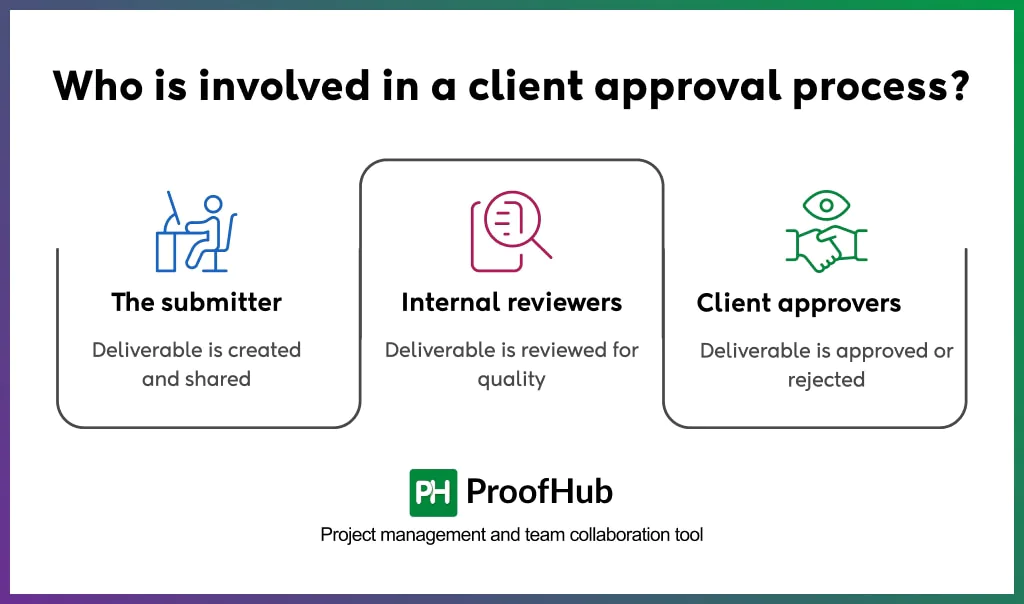
A client approval process involves three groups of stakeholders responsible for creating the deliverable, reviewing its quality, and providing final approval.
These include the submitter, Internal reviewers, and Client approvers.
1. The submitter
They prepare the deliverable and share it with the relevant stakeholders for review.
- The designer
- Creative lead
- Content Creator or Copywriter
- Video editor or Motion designer
2. Internal reviewers
They verify the deliverable’s quality and completeness by ensuring it aligns with the established objectives and standards.
If the deliverable fails to meet the expectations, it is returned to submitters for revisions before being shared with the client.
- Project manager
- Creative director or Design lead
- Brand or Marketing team
- Legal or Compliance team (if applicable)
3. Client approvers
They have the authority to approve or reject the deliverable based on whether it meets agreed project requirements and expectations.
- The primary contact
- The final decision maker
What are the common challenges that slow down client approvals?
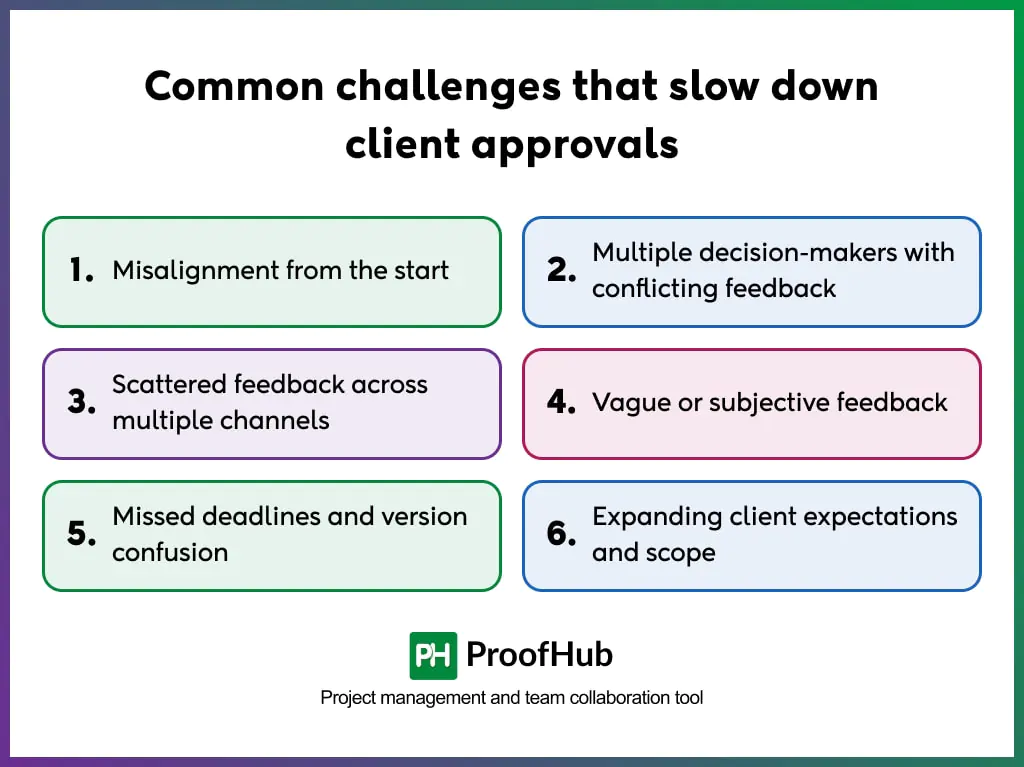
Common challenges that slow down client approvals include misalignment, conflicting feedback from multiple decision-makers, scattered feedback across multiple channels, vague feedback, version conflicts, and expanding client expectations and scope.
- Misalignment from the start: Mismatch between the team and clients on quality expectations and approval criteria creates a gap that delays approvals. Because teams do not fully understand the client’s expectations from the outset, they end up working from assumptions or their understanding of the work. As a result, the final deliverable falls short of expectations and requires additional rounds of revisions.
- Multiple decision-makers with conflicting feedback: When multiple stakeholders participate in each review stage, there is a greater chance of receiving conflicting or contradictory feedback. Reconciling these differences becomes difficult because reviewers’ preferences may conflict, causing teams to revisit the same work repeatedly before reaching consensus.
- Scattered feedback across multiple channels: Comments shared through emails, Slack messages, calls, and screenshots create confusion, regardless of how valuable and clear it may be. Teams spend additional time collecting and consolidating feedback from different sources before implementing revisions, increasing the risk of overlooking comments or acting on outdated information.
- Vague or subjective feedback: Feedback that is open to interpretation results in multiple possible solutions instead of one clear direction. Comments such as, “This misses the mark” or “it doesn’t feel right” do not explain anything specific. Also, feedback driven by personal preferences rather than project objectives causes confusion and prolongs revision cycles.
- Missed deadlines and version confusion: A review request that doesn’t get noticed in time keeps subsequent project activities on hold because dependent work didn’t get approval. Poor version management increases the likelihood of clients reviewing outdated files or requesting changes to versions that are no longer current. Both problems extend approval timelines unnecessarily.
- Expanding client expectations and scope: Introducing new requirements later during the project cycle disrupts the agreed project scope and extends review cycles. Incorporating these additional requests often requires revisiting completed work, reallocating resources, and adjusting timelines, which may lead to scope-related disputes.
Best practices for faster client approvals
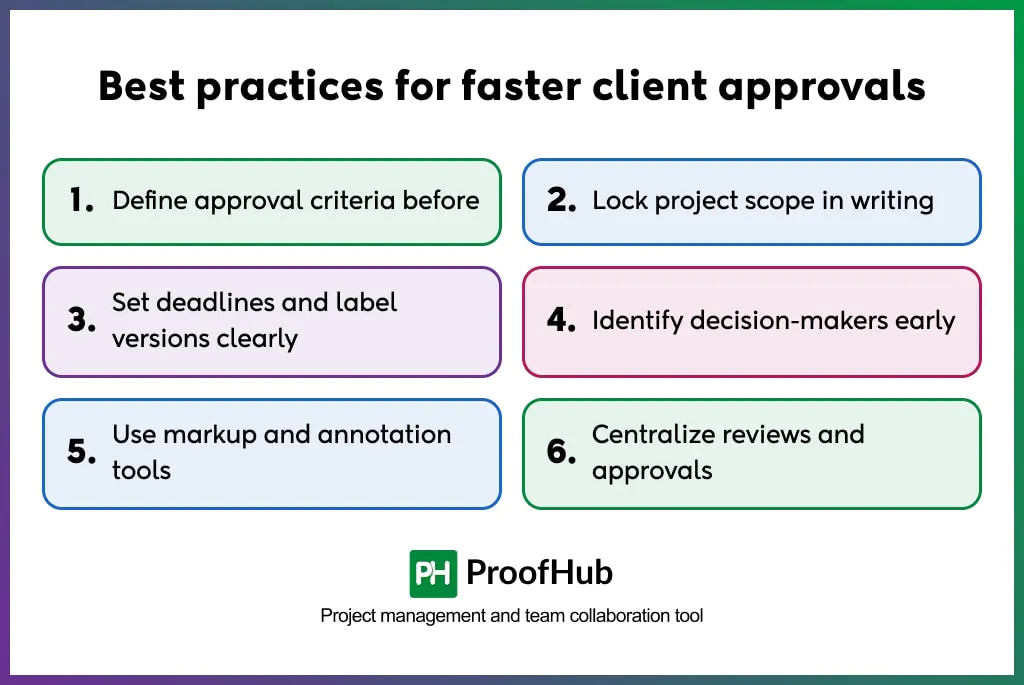
Client approvals can come faster when approval criteria are decided before work begins, the project scope is documented, and deadlines with version labels are clearly defined. Identifying the right decision-makers early, using markup and annotation tools, and centralizing reviews and approvals keeps the approval process moving efficiently.
- Define approval criteria before: Discuss and agree on approval criteria with the clients before the work begins. This establishes a clear standard against which the deliverable is evaluated, helping the creative team produce work that meets expectations and is more likely to be approved in the first review.
- Lock project scope in writing: Document and confirm the project’s scope at the beginning to avoid accommodating new client requests that fall outside the agreed requirements. While occasional changes are accepted, frequent on-the-spot requests extend review cycles and often lead to scope creep or approval disputes.
- Set deadlines and label versions clearly: Clearly label each version and assign a review deadline to every approval request to eliminate ambiguity that can derail delivery from the approver’s end. When instructions are clear, reviewers are more likely to respond to the correct file within the expected timeframe. This keeps approval cycles predictable and avoids unnecessary revision cycles.
- Identify decision-makers early: Determine the key decision-makers who will review deliverables at each stage, and the final approval authority to ensure seamless sign-off. When the right people participate in every review round, approvals move faster without circulating through multiple unnecessary reviewers.
- Use markup and annotation tools: Eliminate feedback ambiguity by providing feedback directly on the specific part of the design, instead of describing changes in general terms that are open to interpretation. Use markup and annotation tools to provide contextual feedback and reduce unnecessary back-and-forth rounds of clarification.
- Centralize reviews and approvals: Eliminate communication gaps and approval confusion by keeping every review, comment, approval, feedback, and revision in one place, instead of spreading them across emails, chat applications, and file-sharing platforms. Both reviewers and approvers can easily access the latest information and refer back to the previous context at any stage of the project cycle.
Examples of different types of client approvals
Some of the different types of client approvals that occur at different stages of a creative project: project scope approval, concept approval, content approval, design approval, milestone approval, and final delivery approval.
- Project scope approval: Clients approve the project scope by agreeing on the specific goals, expectations, timeline, cost, and deliverables before work formally begins.
- Concept approval: Clients agree on the initial creative direction before the design or production work begins, validating what the creative solution is inspired by and what it is intended to communicate.
- Content approval: Clients confirm whether the copy, scripts, newsletters, articles, captions, or other written content aligns with the brand voice, messaging, tone, and communication objectives they aim to achieve.
- Design approval: Clients approve the visual design of an asset, such as layout, graphics, banners, website mockup, or brand identity, confirming that it aligns with business guidelines and goals before production or development begins.
- Milestone approval: A specific checkpoint (before or near the completion of a major project phase ) where clients’ approval is required to validate the work completed so far. It provides an opportunity to request corrections, if necessary, before the project progresses to the next phase.
- Final delivery approval: Clients formally approve the completed deliverable, confirming that the final output aligns with the requirements agreed and established during the initial phase. This marks that the deliverable is ready for completion, publication, or handover.
What are the best tools for managing client approvals?
Some of the best tools for managing client approvals are: ProofHub, Figma, Filestage, Ziflow, and Frame.io.
What is the difference between client approval and client feedback?
Client feedback is the opinion or suggestion that clients provide to refine a deliverable until it satisfies the agreed requirements. Client approval is the formal confirmation that the deliverable has been reviewed and is accepted to move forward.
Client feedback implies that the deliverable still requires revisions before it can proceed, while client approval signifies that the deliverable meets the expectations and no further changes are required.