

Every successful design needs feedback to shape the perfect output.
Whether you are creating a website, product interface, logo, or marketing asset, design feedback helps designers identify what works, what needs improvement, and how well the design meets user expectations and business goals.
When done correctly, feedback strengthens collaboration between designers, stakeholders, clients, and users while reducing costly revisions and improving the overall quality of the final product.
What is design feedback?
Design feedback is constructive, actionable input provided on creative design assets to improve their effectiveness, enhance visual appeal, and ensure consistency with brand standards and user requirements.
It involves evaluating several design parameters, such as visuals, color choices, typography, layouts, usability, brand alignment, and overall aesthetics, to improve the design before the audience ever encounters it. It ensures the final output aligns with the original objectives and meet the set expectations.
Why is feedback important on designs?
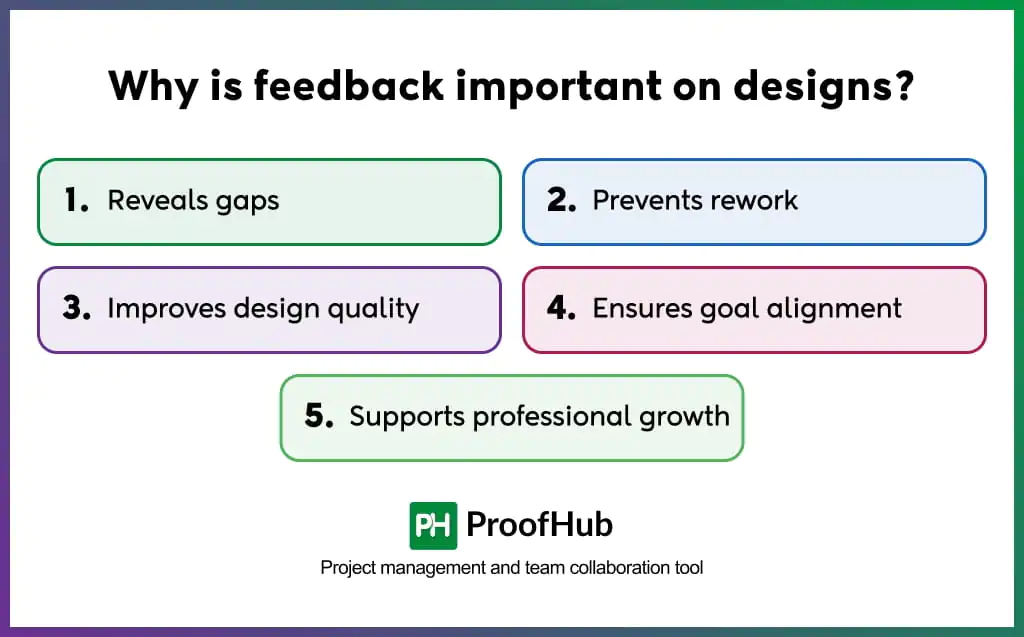
Feedback on designs is crucial to reveal gaps, prevent rework, improve design quality, ensure alignment with established objectives, and support the professional growth of designers.
- Reveals gaps: Reviewers bring a fresh perspective to the design, helping designers uncover blind spots, identify missed opportunities, and explore new possibilities that they may fail to notice after spending extended time on the project.
- Prevents rework: Providing feedback at different stages of the design process helps identify issues early before the launch. This reduces the chances of costly changes or major revisions during stakeholder reviews or client approvals.
- Improves design quality: Reviewers evaluate the design thoroughly across visual hierarchy, layout, messaging, accessibility, and user experience. Their input helps refine the design and deliver the most effective and polished versions.
- Ensures goal alignment: Designs are evaluated against predefined parameters to ensure the outcome aligns with the project objectives, brand guidelines, stakeholder expectations, and user needs throughout the design process.
- Supports professional growth: Constructive feedback helps designers broaden their perspective, consider new viewpoints, and design approaches. This helps teams refine their design skills and strengthen decision-making to produce better work.
What are the types of design feedback?
There are three types of design feedback: directive, evaluative, or exploratory.
1. Directive feedback
Provides specific, intentional solutions on what to change or what outcome is expected. Designers execute changes as given or push back depending on the source.
For example: “Replace the green with our brand color and move the logo to the top-left corner.”
2. Evaluative feedback
Evaluate the current design state against the stated objectives, design principles, or usability standards to decide what works and what doesn’t work. Provides designers the autonomy to do it their way.
For example: “The CTA is blending into the background. It is hard to notice.”
3. Exploratory feedback
Challenges assumptions, encourages discussions, and pushes designers to think beyond the obvious. It opens possibilities without identifying a problem or suggesting a solution.
For example:“Could there be a simpler way for first-time users to complete this task?”
Not all feedbacks are same, feedback comes from different people and sources. They include users, stakeholders, peers and experts.
- User feedback: People who actually use the product share their real experiences, pain-points, expectations, and unmet needs when interacting with the design. For example: “I couldn’t find the checkout button without scrolling.”
- Stakeholder feedback: People who have direct or indirect stakes in the design, such as product managers, marketing teams, executives, or clients. Their feedback is driven based on the business goals, brand guidelines, user expectations, and overall project objectives.
- Peer feedback: Fellow designers or cross-functional team members review the design during internal review sessions to ensure alignment with established design standards and project goals.
- Expert feedback: Experienced designers, creative directors, specialists, or other subject matter experts (SMEs) utilize their professional knowledge to identify underlying usability, interaction, and design issues that may otherwise go unnoticed.
How to ask for design feedback?
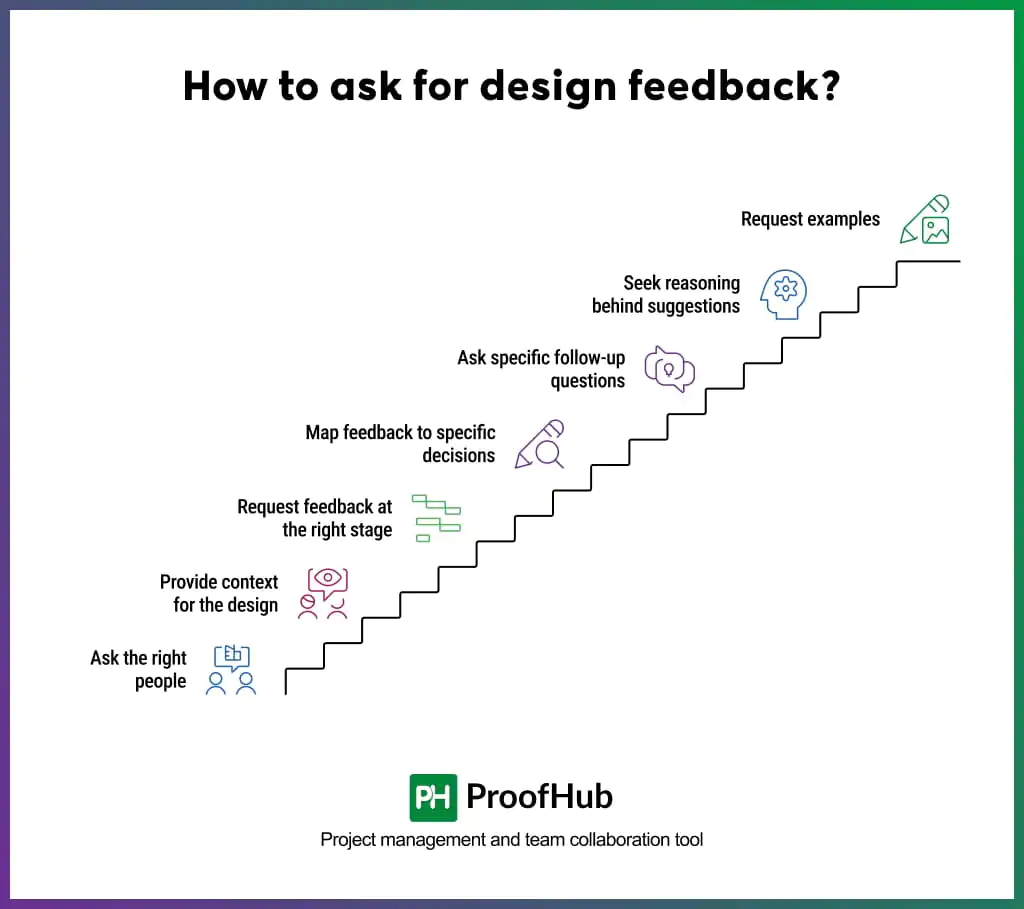
To as for accurate design feedback, follow the seven steps: ask the righ people, provide context for the design, request feedback at the right stage, map feedback to specific decisions, ask specific follow-up questions, seek the reasoning behind suggestions and request examples alongside suggestions.
1. Ask the right people
Be intentional about who you reach out to for feedback. Because feedback is only useful when it comes from the right person.
Example:
- Developers shouldn’t approve visual tone or brand expression.
- Brand teams review brand consistency, messaging alignment, and visual identity.
- Marketing teams shouldn’t evaluate technical feasibility.
Developers review implementation complexity, performance implications, and technical constraints.
2. Provide context for the design
Give reviewers the necessary context about the design before asking for feedback. This keeps everyone on the same page, especially if they have not been involved from the beginning.
They don’t need a brief, but all the key developments that happened during the design process. These could include directions that were eliminated, constraints introduced mid-project, decisions locked beforehand, or requirements that can’t be compromised.
This gives reviewers a clearer perspective on the current design and helps them provide more relevant feedback.
3. Request feedback at the right stage
Feedback works best when it is requested at the right stage. A concern raised at the final stage that should have been addressed at the onset of the project wastes everyone’s time and efforts.
| Stage | Ask this | Avoid asking this |
|---|---|---|
| Early stage | Does this direction solve the problem? | Is the spacing correct? |
| Mid-stage | Does the hierarchy guide attention to the right elements? | Should we change the entire direction? |
| Final | Does this meet delivery requirements? | Should we explore a different layout? |
4. Map feedback to specific decisions
Instead of asking for general opinions, specify the decisions you want feedback around. If you don’t want reviewers to evaluate everything equally, name explicitly what you need feedback on, where you need it, and why.
This directs reviewers’ attention to the areas where their input is most relevant and valuable.
Example:
- Does the color palette reflect premium positioning, or does it read generic?
- Will the imagery style feel authentic to the target audience?
5. Ask specific follow-up questions
Ask reviewers specific feedback by asking questions that leave little room for interpretation. Tie your questions directly to the design objectives to get focused responses that are easier to act on.
When you ask targeted questions, reviewers evaluate the design more thoughtfully rather than responding with “It looks good.”
Replace: “What do you think?”
with:
- “When you look at this layout, where does your eye land first? Did it reach the CTA?”
- “Does the color palette and typography align with the approachable tone in the brand guidelines?”
6. Seek the reasoning behind suggestions
Ask reviewers for the reasoning behind the changes they suggest. Feedback that provides context gives clarity on why those recommendations are being made.
It helps you understand the underlying problem, look into perspectives that never crossed your mind, and provides valuable insights for future design decisions.
Encourage reviewers to explain:
- What they observed
- Why they believe it is an issue
- What impact it may have on users or project goals
7. Request examples alongside suggestions
Ask reviewers for specific visual references or examples to understand their expectations. Words like “more premium,” “cleaner,” or “more modern” are subjective and create a gap between what reviewers mean and what designers interpret.
Visual references provide specific and concrete direction to work in, and also a benchmark to achieve. This reduces ambiguity and helps avoid unnecessary rounds of revisions.
Frame your request – ” Could you share an example – a competitor, a reference brand, or any design that helps me get an idea of what you mean?”
How to give effective design feedback?
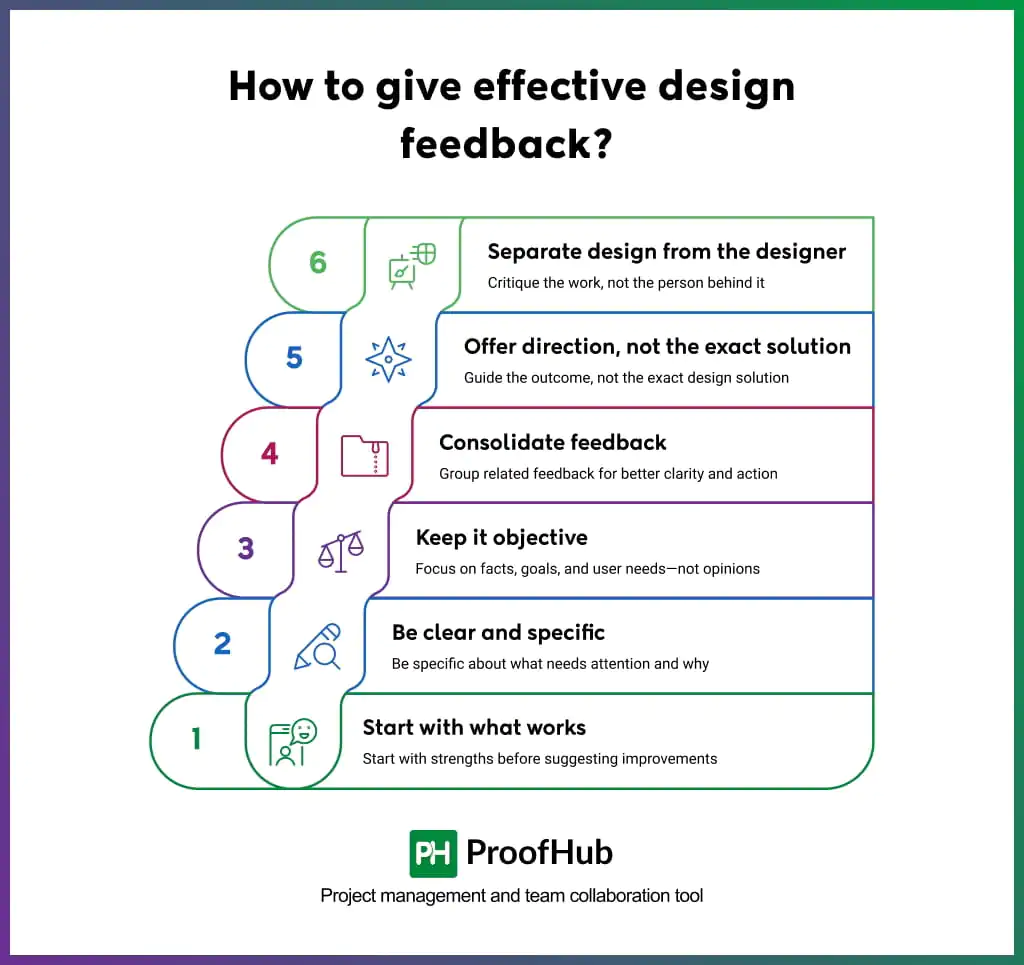
To give effective design feedback, start by acknowledging what works, be specific in your feedback, keep feedback objective, consolidate related comments, offer direction instead of exact solutions, and critique the design-not the designer.
1. Start with what works
Acknowledge what is working well before transitioning to the improvements you would like to see in the design. When you begin with strengths, it gives designers the confidence to remain open to feedback constructively and refine their work.
Example:
“The color palette aligns well with the brand and creates a strong visual identity. The next thing we need to do is improve the headline hierarchy. It is currently competing with the supporting text for attention.”
2. Be clear and specific
Use precise language that conveys the exact meanings without leaving room for interpretation. It helps designers better understand the issue and make correct refinements that align with what you intended them to improve.
Instead of making broad statements, identify the issue, explain why it matters, and describe its impact on the design goals.
Instead of: “This feels off.”
Say: “The CTA button blends into the background. It will make it difficult for users to identify the primary action.”
3. Keep it objective
Keep your feedback tied to established project goals, user needs, and customer expectations rather than your personal preferences. Objective feedback helps design progress towards the intended outcome.
Instead of: “I don’t like the text color.”
Say: “The body text uses a light gray color that may reduce readability on smaller screens. Increasing contrast would improve accessibility and make the content easier to scan.”
4. Consolidate feedback
Provide feedback in consolidated categories for better understanding and easier implementation. Designers can easily prioritize these issues and act upon each of them with better clarity.
Example:
Instead of leaving ten separate comments:
- Layout: Product images feel crowded in the comparison section.
- Messaging: The value proposition could be clearer above the fold.
- Branding: The illustration style differs from the established brand guidelines.
5. Offer direction, not the exact solution
Show your team the direction they need to work towards instead of suggesting the exact solution. This allows designers to explore their creative horizon while still aligning their work with project goals.
Example:
“The layered text creates visual noise. The eye doesn’t know where to land first. Consider reducing text layers to 2–3 and increasing contrast between them. This serves the goal of stopping scrolls with a single, clear message.”
Note: When customers or clients provide feedback, they should provide the exact outcome they want to achieve.
6. Separate design from the designer
Provide feedback that evaluates the design, not the designer.
Feedback focused on the design comes across as constructive and professional, while feedback that takes a direct hit on the designer’s abilities, judgment, or personality feels personal and discouraging.
The first keeps discussions productive, while the latter creates defensiveness and slow collaboration.
Instead of: “You clearly don’t understand visual hierarchy.”
Say: “The visual hierarchy could be improved to better guide attention toward the primary message.”
What are the common mistakes to avoid when giving design feedback?
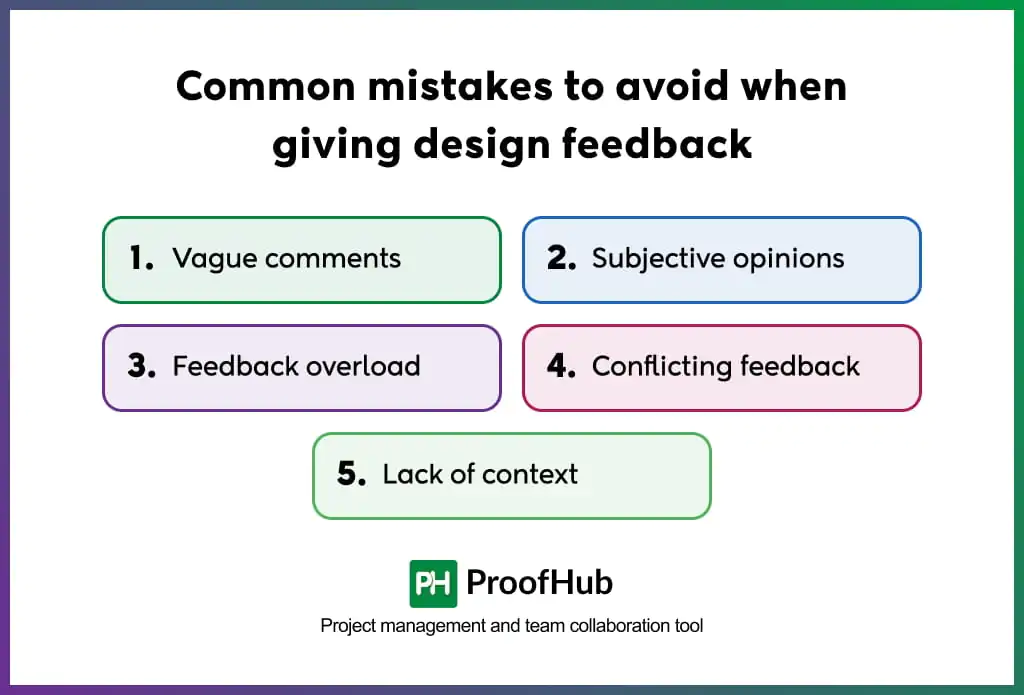
Five mistakes to avoid when giving design feedback include making vague comments, providing feedback influenced by subjective preferences, overwhelming designers with excessive feedback, providing contradictory feedback, and giving feedback without context.
1. Vague comments
Feedback that do not provide direction for improvement, leaves the designers guessing, needs multiple rounds of clarification.
To fix, give specific feedback that is easy to interpret, points to the exact issue, and explains the desired outcome.
For example: Instead of writing “Something feels off about this page.”, say “The call-to-action button blends into the background. Consider increasing its contrast so it stands out more.”
2. Subjective opinions
Personal preferences or opinions influence how individuals provide feedback. Subjective feedback drags the review process away from its intended purpose.
To fix, base your feedback strictly on defined goals or requirements.
For example: Instead of saying, “I don’t like the color blue. Let’s change it.”, say “”The current color palette aligns with the brand guidelines, but the button contrast may not meet accessibility requirements.”
3. Feedback overload
Prodiving excessive feedback even when design align with the review standards can overwhelm designers and make it difficult to determine where to start.
Prioritize feedback based on impact or group similar comments together to make revisions more manageable.
For example: Instead of sharing 30 separate comments, categorize them into areas such as:
- Usability issues
- Visual consistency
- Accessibility improvements
- Content and messaging
Also, conduct a comprehensive review to provide consolidated feedback so designers can make revisions in the first attempt only.
4. Conflicting feedback
Stakeholders with different priorities often evaluate designs through different lenses, leading to contradictory recommendations. This leaves designers uncertain about what changes to make.
Collaborate with stakeholders beforehand to reach consensus and obtain a unified direction.
Example:
Stakeholder A: “Make the homepage simpler.”
Stakeholder B: “Add more information above the fold.”
5. Lack of context
Reviewers who do not align their feedback with project goals, user needs, or business objectives often end up making suggestions that add little value.
Familiarize yourself with the established project goals to ensure your recommendations are relevant and purposeful.
Example:
Feedback without context:
“Let’s add more animations.”
Feedback with context:
“Since the goal is to improve user engagement, add subtle animations that guide users toward key actions without distracting them?”
What are the best tools for design feedback?
The best tools for design feedback include design review and annotation tools, client review and approval tools, collaboration tools, and task tracking and version control tools.
- Design review and annotation tools: Tools that allow reviewers to review designs, mark annotations, and leave comments and suggestions directly on the design assets. Examples: Figma, GoVisually
- Client review and approval tools: Tools that allow teams to invite external stakeholders for reviewing the designs, managing feedback, and documenting formal sign-off. Examples: Filesatge, Ziflow
- Collaboration tools: Tools that facilitate discussions and collaborative refinements on the same canvas. Examples: ProofHub, Miro, Mural.
- Task tracking and version control tools: Tools that allow teams to assign design tasks, track implementation progress, and preserve version history with a clear record of timestamps, changes, and contributors.
How to handle negative design feedback?
The best way to handle negative design feedback is to separate your ego from the work. Do not take it as an attack on your abilities or character.
Instead, view it as an opportunity to understand how the design is experienced beyond your own viewpoint and identify the blind spots you may have overlooked initially.
Some best practices for handling negative design feedback include:
- Listen to the feedback completely before explaining the reasoning behind your design choices.
- Ask clarifying questions to uncover the root concern rather than reacting immediately.
- Control your emotions and evaluate the feedback from a problem-solving perspective.
- Look for recurring patterns across multiple reviews to identify improvement areas
- Focus on the intent behind the feedback, not just the words used to deliver it.
What is the difference between design feedback and design critique?
Design feedback is the input received on designs to provide actionable suggestions, identify improvement opportunities, and assess alignment with established project requirements. The feedback may be subjective, objective, or a combination of both, depending on its source and purpose.
Design critique, on the other hand, formally evaluates the choices behind key design decisions to determine how effectively they support the design’s objectives. Design elements are assessed against broader design standards and strategic goals.
| Attribute | Design Feedback | Design Critique |
|---|---|---|
| Definition | Input intended to improve a design | A structured evaluation of the reasoning behind design decisions |
| Scope | Subjective (personal preference) or objective (against criteria) | Only objective |
| Driver | Personal experience, preferences, user reactions, brand guidelines, or business requirements. | Design principles, usability considerations, strategic goals, and KPIs. |
| Source | Users, clients, stakeholders, peers, managers, or reviewers. | Designers, creative leads, design managers, and experienced reviewers. |
| Goal | To identify issues, suggest improvements, or ensure alignment with expectations. | To investigate the why behind design choices. |
| Outcome | Recommendations and revisions | Deeper insights that improve design thinking and decision-making |
Note: While often used interchangeably, design feedback and design critique are two interconnected concepts that intend to improve the design outcome from a different angle.
How do you avoid feedback overload?
The first step in avoiding feedback overload is to
1. Establish clear review checkpoints while limiting the number of reviewers involved at each stage. When only relevant stakeholders participate in the review process, discussions remain focused on meeting design objectives rather than multiple stakeholders trying to outweigh each other’s opinions.
2. Conduct a comprehensive review to provide consolidated input instead of sharing comments sporadically. Categorize your feedback so teams can easily process the information and implement changes accordingly.
3. Ensure reviewers understand the criteria and standards against which the design should be evaluated. This keeps feedback from drifting into suggestions that have little to do with the design’s goals and are largely influenced by their personal tastes.
What is a feedback loop in design?
A feedback loop is an iterative process of receiving feedback, making revisions, and refining the design until it meets the intended objectives and receives formal approval from reviewers.
The process typically includes the following steps:
- Creating a design
- Collecting feedback
- Making changes
- Sharing for re-evaluation
- Approval or final sign-off
To stop the feedback loop from continuing beyond what is necessary, teams should establish clear review criteria and set limits on revision rounds even before the review begins.